
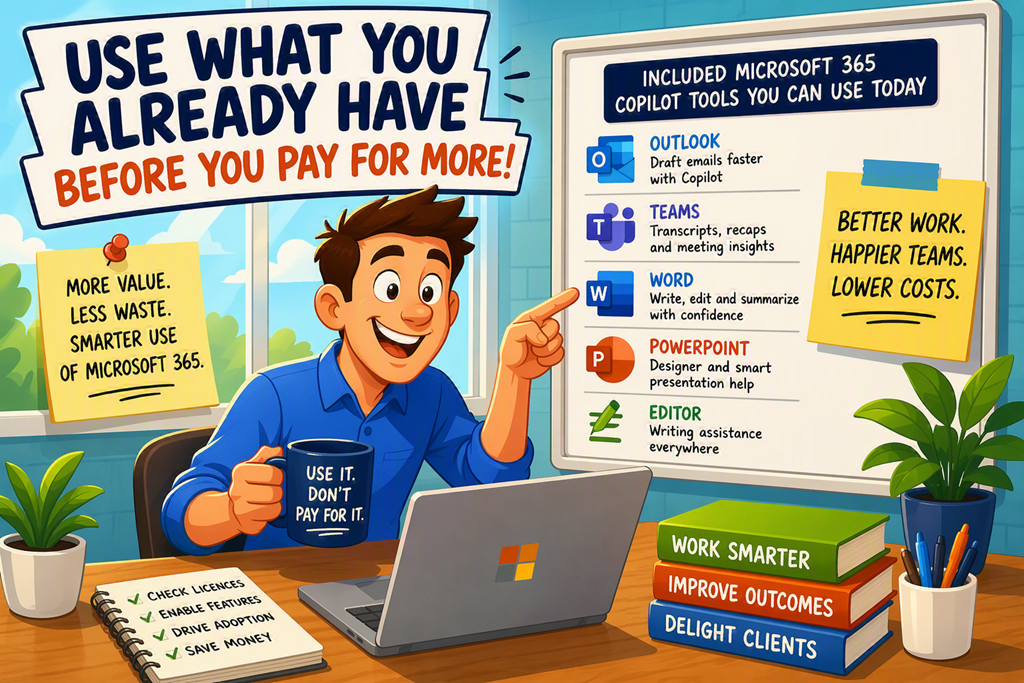
One of the things I’m seeing more often now is organisations enabling Copilot Cowork PAYG and then wondering where the consumption costs are coming from.
The assumption seems to be that every AI interaction needs to go through Copilot Cowork and every task needs an agent.
It doesn’t.
In fact, many Microsoft 365 users already have AI-powered tools sitting in front of them every day that don’t require PAYG consumption at all.
That’s the part many people miss.
The conversation shouldn’t start with “Which AI should I use?”
It should start with “What have I already paid for?”
If you’re not showing clients this, you’re leaving value on the table.
What are the included Microsoft 365 Copilot tools, really?
When most people hear “Copilot”, they immediately think about the chat interface.
That’s only one option.
Microsoft has been embedding AI capabilities throughout Microsoft 365 for years. Features such as Outlook Draft with Copilot, Teams meeting recap, PowerPoint Designer, Editor, transcription, summaries, coaching and intelligent suggestions are already available through various Microsoft 365 subscriptions.
What makes these valuable is that they’re integrated directly into the workflow people already use.
There’s no prompting.
There’s no agent configuration.
There’s no additional consumption model to monitor.
You simply use the feature where the work already happens.
“Isn’t this just a cheaper version of Copilot?”
No. It’s often a more appropriate version of Copilot.
The goal isn’t to generate more AI activity.
The goal is to get better outcomes.
Meet people where they already are.
Step-by-Step: Start with Included AI Features First
Review your Microsoft 365 licensing
Open:
Microsoft 365 Admin Center > Billing > Your products
Before enabling PAYG services, understand exactly what capabilities are already included in your existing licences.
Microsoft regularly updates included features, so it pays to check first.
You can review licence capabilities through the Microsoft Learn documentation for Microsoft 365 Copilot plans and Microsoft 365 subscriptions.
Enable transcription and meeting intelligence
Open:
Teams Admin Center > Meetings > Meeting policies
Many organisations pay for AI-generated summaries while simultaneously disabling transcription.
That makes no sense.
Features such as transcripts, intelligent recap and meeting search often deliver immediate value without users needing to learn anything new.
Microsoft documents these capabilities in Teams meeting recap.
Use Outlook drafting and coaching features
Open:
Outlook > New Email > Draft with Copilot (where available)
Measure before enabling PAYG
Open:
Microsoft 365 Admin Center > Reports
Look at actual adoption.
Who is using the included features?
What problems are being solved?
What tasks genuinely require a custom agent or consumption-based AI service?
Only after answering those questions should additional AI expenditure enter the discussion.
Why this actually changes behaviour
The biggest challenge with AI isn’t usually technology.
It’s habit.
People live in Outlook.
People live in Teams.
People live in Word.
The closer AI gets to those locations, the greater the chance it will actually be used.
That’s why I encourage clients to focus on workflow before features.
A custom agent that nobody uses is not innovation.
It’s a cost centre.
Notice what’s missing?
Prompt training.
Agent management.
Consumption monitoring.
Complex governance discussions.
Those things still matter, but they shouldn’t be the starting point.
My recommendation?
Get users comfortable with the AI capabilities they already have access to first.
Then identify the gaps.
Then determine whether Copilot Cowork PAYG or custom agents genuinely solve a business problem worth paying for.
Too many organisations are starting at the wrong end of the conversation.
Copilot doesn’t get tired. Use that.
But don’t pay for AI to solve a problem that’s already been solved by tools sitting in your Microsoft 365 subscription today.
The real opportunity isn’t more AI.
It’s getting more value from the AI you’ve already paid for.

