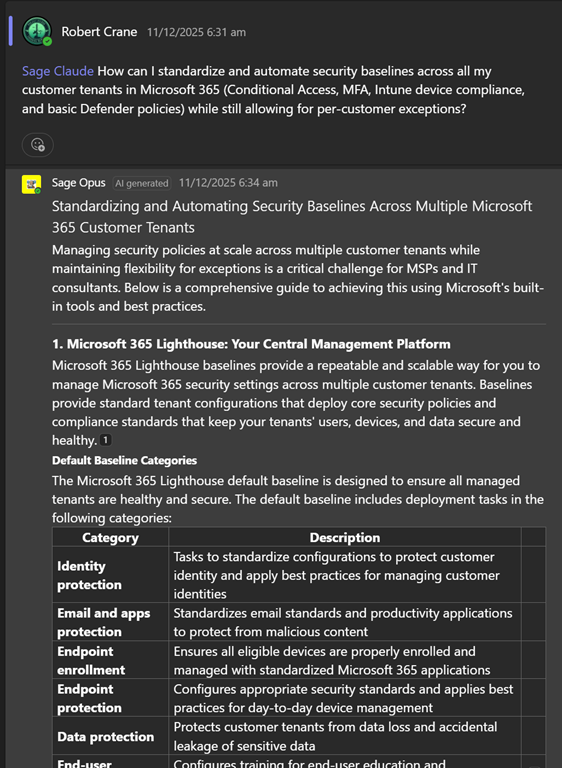
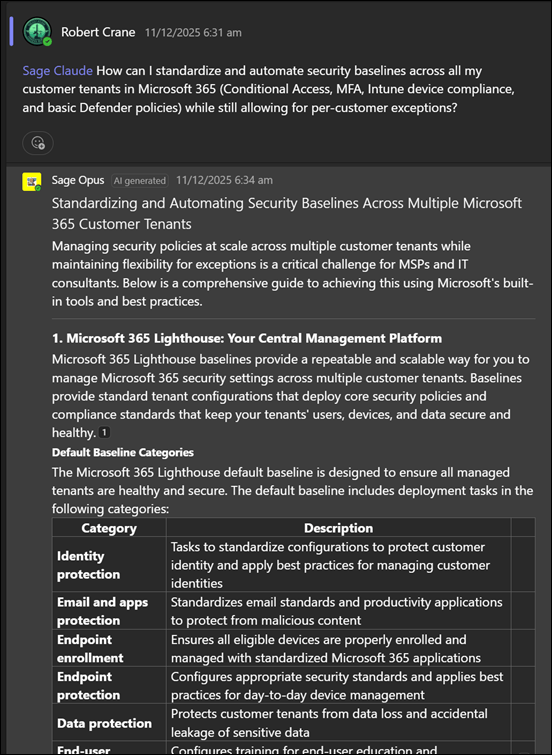
I’ve used AI to create smart Microsoft 365 expert technical agents which I have deployed to Teams for CIAOPS Patrons:
I’ve also created a smart Microsoft 365 expert technical agent that you can use for free via email:
https://blog.ciaops.com/2025/06/11/get-your-m365-questions-answered-via-email-2/
simply by putting your question in the body of an email and sending it to robert.agent@ciaops365.com.
Now, I have integrated AI into my PowerShell scripts! Let me explain what I’ve done.
I’ve created an agent in Azure AI Foundry that is ‘grounded’ with all my M365 knowledge that is in the CIAOPS Patron community. I’ll cover off what I have learned about Azure AI Foundry in another post.
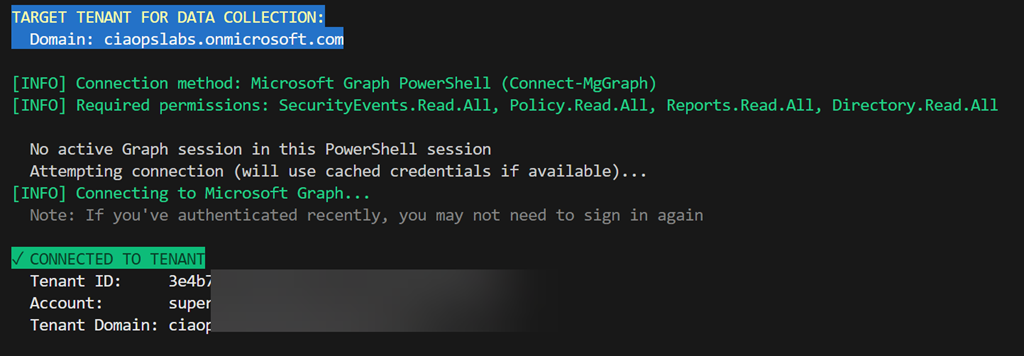
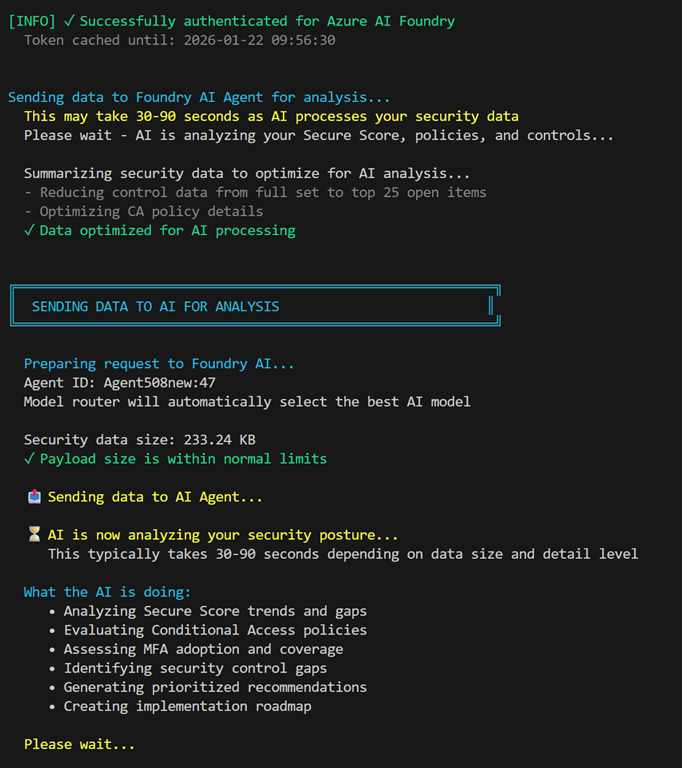
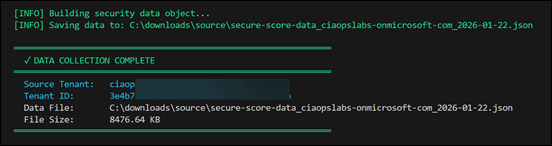
Next, I created a PowerShell script that firstly logs into a tenant to be inspected,

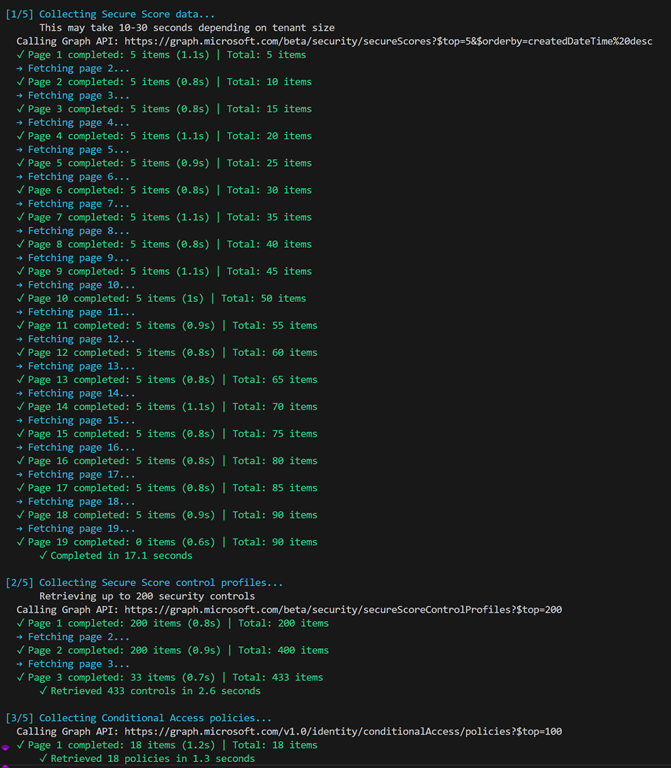
extracts all the security information like Secure Score details, Conditional Access policies and more,
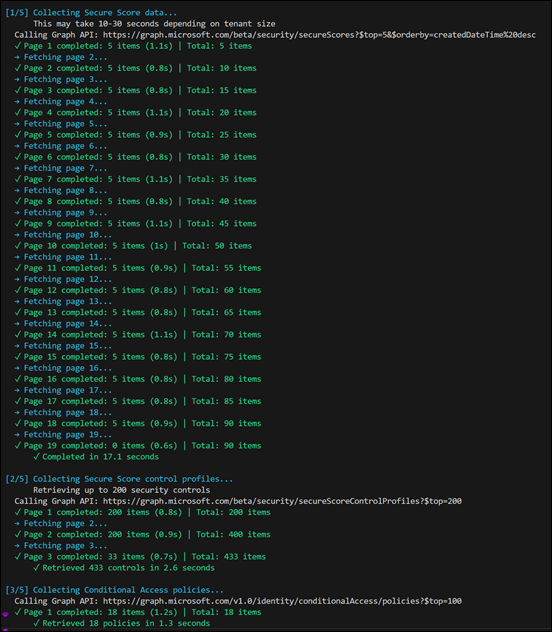
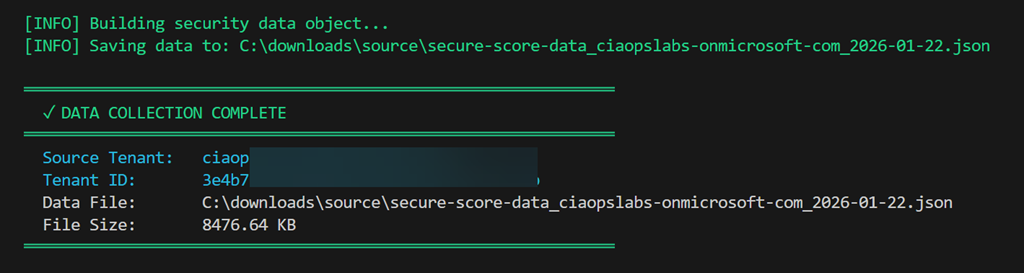
bundles all that up into a single JSON file (about 8MB in size)
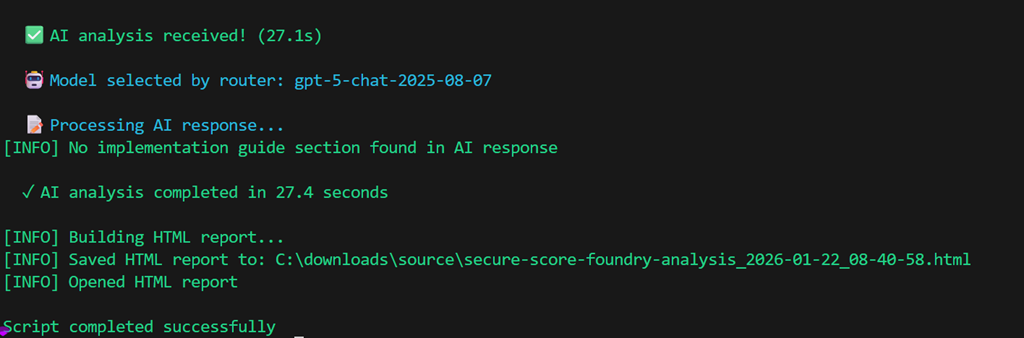
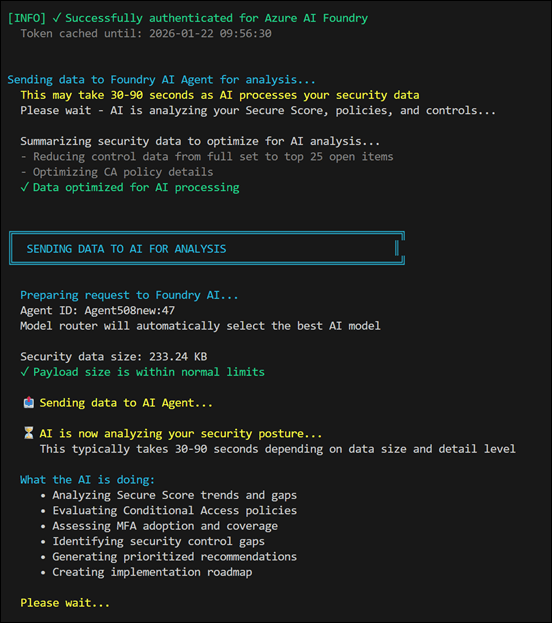
and then connects to my Foundry agent and uploads that extracted data for analysis
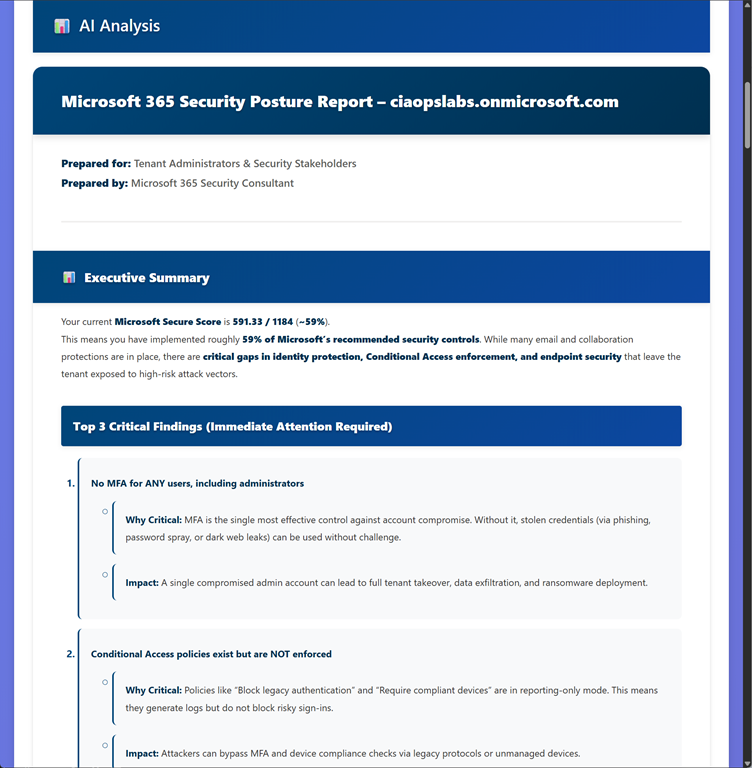
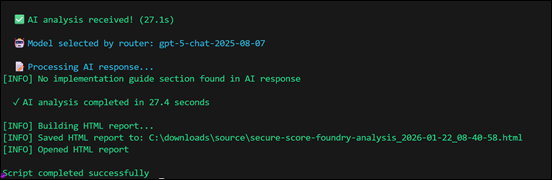
After analysis it generates and displays an extensive HTML report
which looks like:
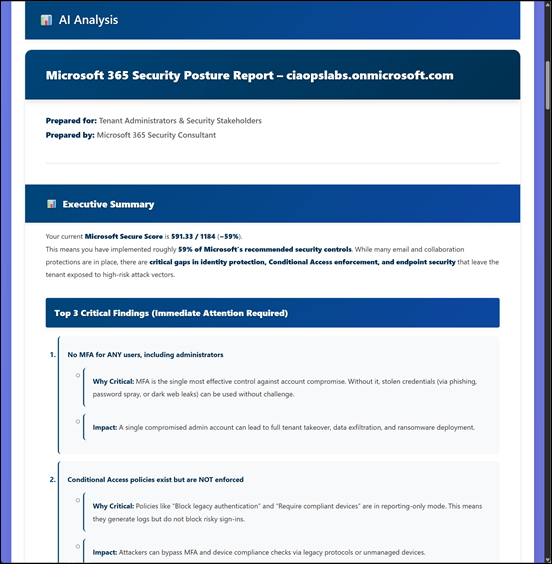
and you can find a complete copy of to review at here, because it is too large for this post:
https://github.com/directorcia/Office365/blob/master/Analysis/secure-score-foundry.png
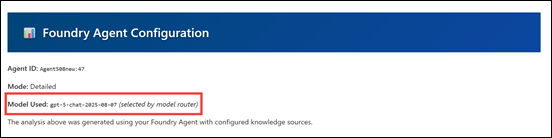
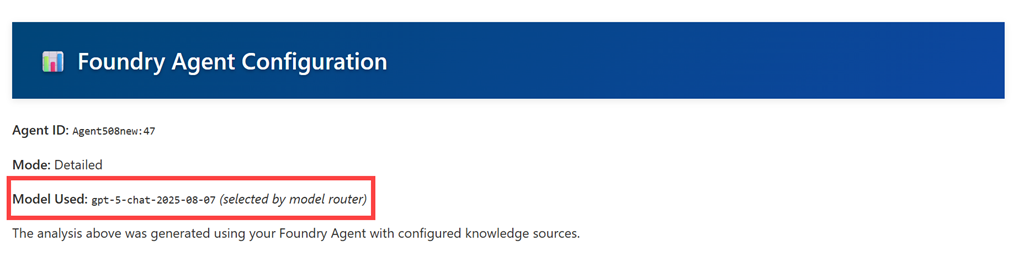
I’ve configured my Foundry agent to use a ‘Model router’, meaning that the agent uses what it things is the best LLM to do the analysis automatically.
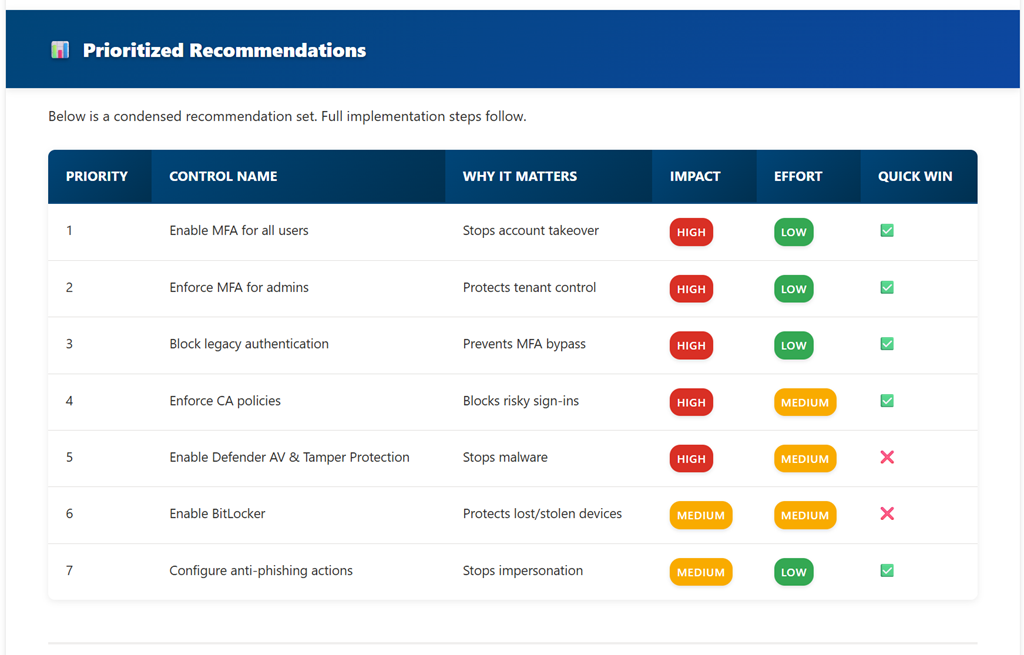
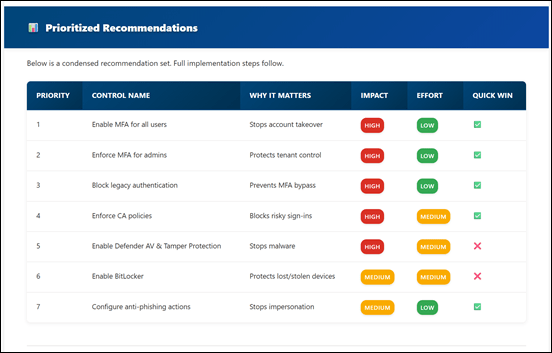
The report include Prioritized recommendations:
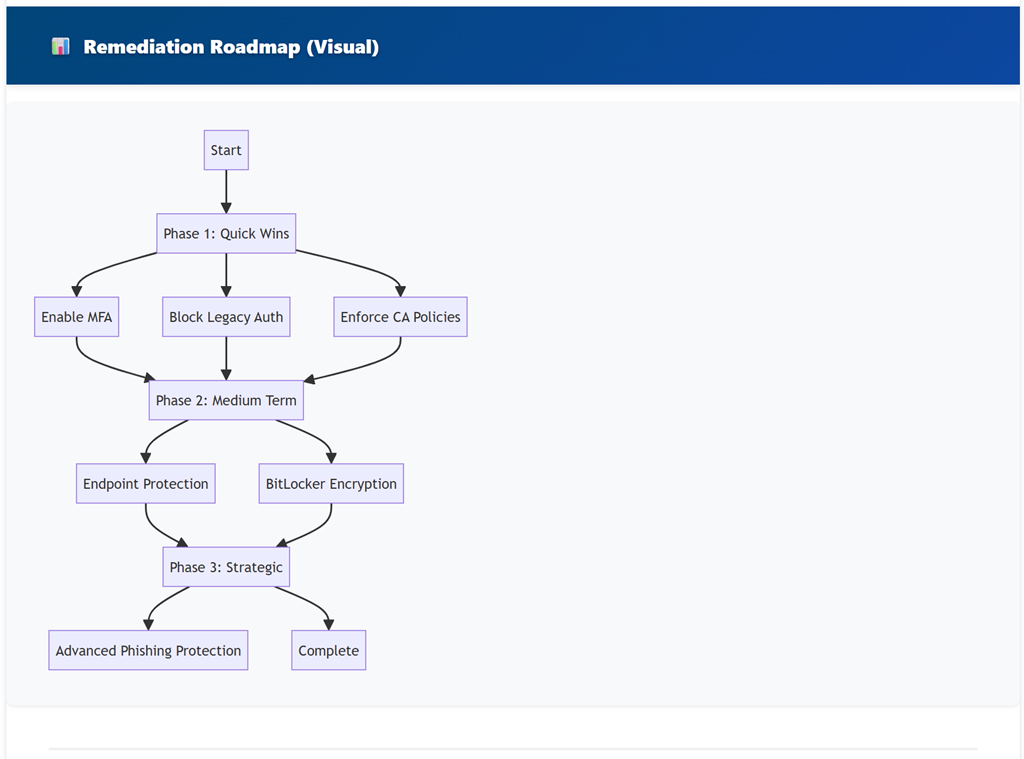
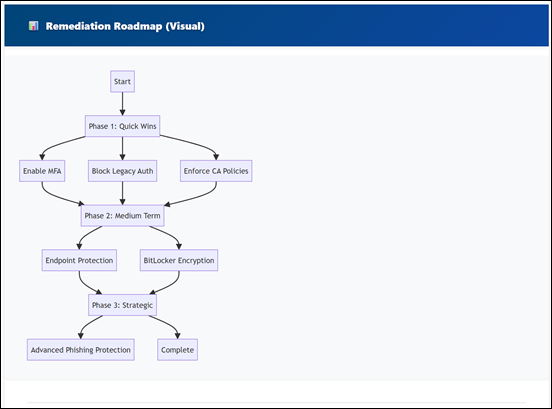
A visualized Remediation Roadmap:
and whole lot more. I encourage you to take a moment and study the example output for yourself, which is AI generated.
I am now building similar AI analysis scripts for al M365 services like Exchange, SharePoint, etc and plant expand these over time.
Here’s the best part. As part of my testing process I am happy to make this Secure Score AI Analysis script available to a select few who read this and send me an email (director@ciaops.com) asking for a copy. You’ll need to be comfortable with PowerShell and have the MSGraph module already installed to run the script. Even better for the select few that do respond – I’ll give you access to my Azure AI Foundry agent for FREE to do the analysis. There are some conditions you’ll need to agree to, like going on my email list and understanding this is all still a beta test but there will be no cost if you qualify and agree. To start that process just email me (director@ciaops.com) saying you are keen to give it a go and I’ll send along the all the details.
There are just so many ways that I can see how to integrate AI with PowerShell and I’ll be sharing more soon on what I am doing.