
I still catch myself doing the clever version of the wrong thing. Someone shows me a pain point — a weekly report, a client onboarding checklist, a pile of the same Outlook replies — and the itch is to automate that path. One Power Automate flow. One Copilot prompt saved in a notebook. One private script that only I know how to run.
It works. Once. Then the process changes, the person who owned it leaves, or a second team needs the same outcome, and you’re back to heroic effort. You didn’t build a factory. You built a one-off machine in a corner of the shed.
A process is a recipe. A factory is how you ship.
When I say factory, I don’t mean a heavy program or a six-month transformation. I mean the boring layer that lets the same kind of work repeat without you reinventing it: where the inputs live, what “good” looks like, who can trigger it, and how Copilot or automation reaches the same materials every time.
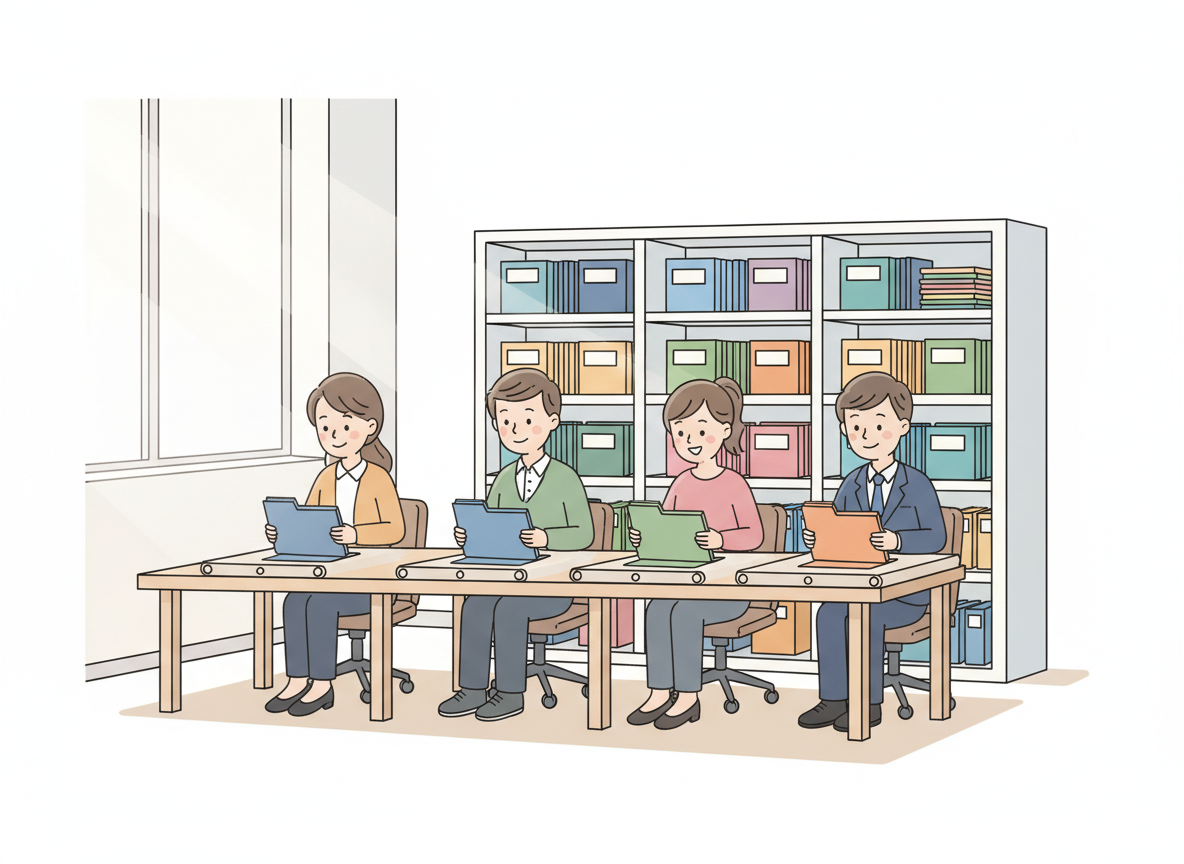
In Microsoft 365 that usually looks unglamorous. A SharePoint library with a real structure instead of a dumping ground. A Teams channel where the working files and decisions actually sit. A Word or Loop template that already carries the sections you always need. Then Copilot in Word, Outlook, or Teams has something solid to work against — not a blank chat window and a hope that someone remembers the steps.
Automating a messy process just makes the mess faster. Building the factory means you fix the shape of the work first, then put Copilot and Power Automate on top of something stable.
What I watch people skip
The skip is almost always the same. They open Copilot Chat, describe the job in a long prompt, get a decent draft, and feel productive. Next week they write a slightly different long prompt. The week after, a junior asks how they did it, and the answer is a shrug and a screenshot.
Compare that to a factory move: the standard brief lives in SharePoint. The output template is a Word doc everyone can find. Power Automate drops a Planner task or a Teams message when a new request lands. Copilot is pointed at those artefacts — “draft from this template using the intake form in this library” — not at thin air.
I’ve seen MSP teams do the first version for client reporting and burn a Saturday. The ones who get time back are the ones who turned the second and third report into a product line: same intake, same store of evidence, same review checklist, Copilot filling the skeleton so humans only judge the exceptions.
Build once, run many
The test I use on myself is simple. If only I can run it, it isn’t a factory yet. If the knowledge is trapped in my chat history, it isn’t a factory yet. If swapping one person breaks the chain, we automated a habit, not a system.
So when someone asks me to “just automate this,” I try to answer with a smaller, harder question: where will the inputs live next month, and can Copilot find them without me? Until that answer is clear in SharePoint, Teams, or a shared template, I hold off on the clever flow.
Don’t just smooth one process. Build the factory for the thing — the place, the pattern, and the Copilot-ready materials — so the next ten times cost a fraction of the first.

