
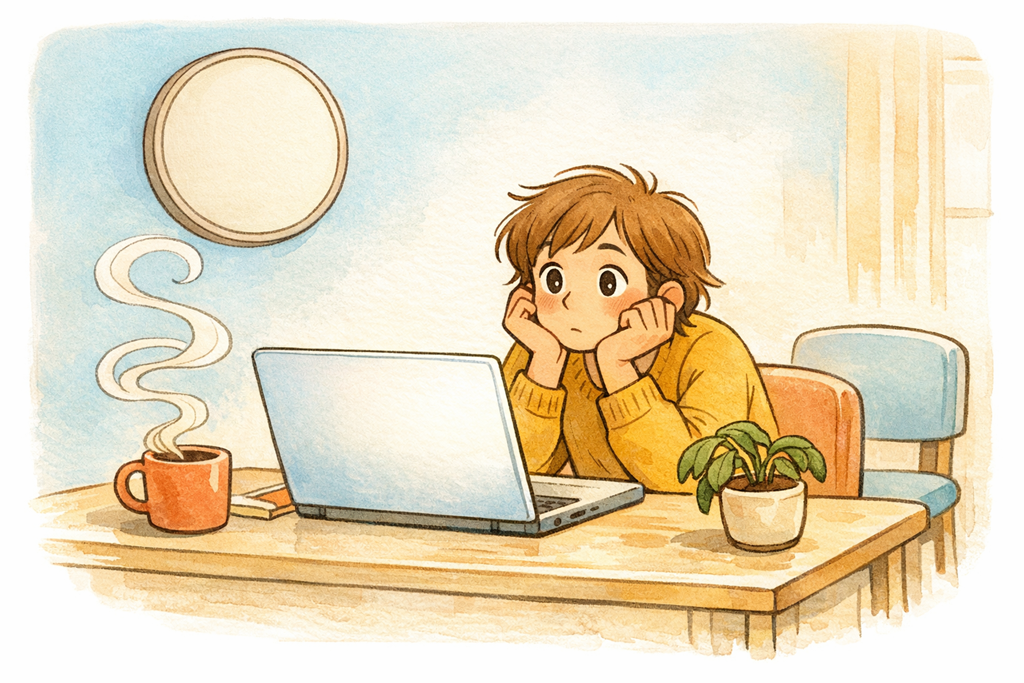
I noticed something a few weeks back during a busy Friday afternoon. I’d asked Copilot in Word to pull together a draft summary of a long client document, and instead of moving on to the next thing on my list, I just sat there. Watching. Cursor blinking. Sentences slowly stitching themselves across the screen like I was waiting for a kettle to boil. It took me a good thirty seconds to realise I was, in effect, staring at a digital pot — and getting absolutely nothing else done while I did it.
That small moment has stuck with me. Because I don’t think I’m the only one doing it.
The watching trap
There’s a quiet productivity tax that nobody really warned us about with generative AI inside Microsoft 365. We’ve been told these tools save us hours. And they will — but only if we actually use those hours. The moment we anchor ourselves to the screen and watch Copilot draft a reply in Outlook, summarise a meeting recording in Teams, or build out a deck slide by slide in PowerPoint, we hand back every minute of the gain.
I think this happens because the output feels unfinished until it’s done. The brain treats it a bit like a conversation — and you don’t walk away from someone mid-sentence. But Copilot isn’t speaking to you. It’s working for you. And it doesn’t care whether you’re in the room.
The result is a strange new flavour of busywork. You look productive. You’re sitting at your desk, focused, eyes on the screen. But the actual output of your time is whatever Copilot was going to produce anyway. You’ve added nothing. You’ve just supervised a process that didn’t need supervising.
Why staring at it doesn’t help
The other problem with the watching habit is that it isn’t even useful. You can’t speed Copilot up by looking at it harder. You’re not catching errors in real time, because most of us don’t read carefully enough mid-generation to spot a problem — and you’ll review the final output once it’s done anyway. The watching is pure overhead.
Worse, it primes a passive mindset. When you sit and observe the machine doing the work, you start to mentally check out. The next task on your list feels heavier than it should. You lose the rhythm of context-switching that real knowledge work depends on. By the time the draft email or summary lands, you’ve already half-disengaged. So instead of pouncing on it, reviewing it sharply, and sending it on its way, you take another minute or two to gather yourself.
That’s two layers of cost. The time you spent watching, and the time it takes to mentally re-enter the work.
Treat Copilot like a colleague, not a performance
The shift I’ve had to make is treating Copilot the same way I’d treat anyone I’ve delegated something to. You don’t stand over a colleague’s shoulder while they write a document. You hand it off, you go do something else, and you come back to review when it’s ready.
So when I ask Copilot in Excel to analyse a dataset, I switch to my inbox and clear a few replies. When I have Copilot in Word drafting something substantial, I move into Teams and respond to chats. When a deck is being assembled in PowerPoint, I’m reviewing tomorrow’s calendar or skimming a SharePoint document I’d been putting off. The five or ten seconds of context-switch cost is well worth the two or three minutes I would have otherwise stared away.
The deeper habit, though, is queueing the work. I now line up several AI-assisted tasks at once. A summary running here, a draft being produced there, an analysis underway in another window. Copilot is happy to run in parallel across Microsoft 365. There’s no good reason to make those tasks sequential by tying each one to your eyeballs.
What I’m watching next
The thing I’m paying attention to from here is how teams handle this collectively. Because once AI is doing more of the small tasks across an organisation, the productivity ceiling stops being defined by what the tools can do and starts being defined by what their humans do while the tools work. The businesses that win the Copilot game won’t be the ones with the best prompts. They’ll be the ones whose people have stopped sitting and watching, and started filling that reclaimed time with thinking, deciding, and acting.
The technology is doing its part. The next move is ours.

