
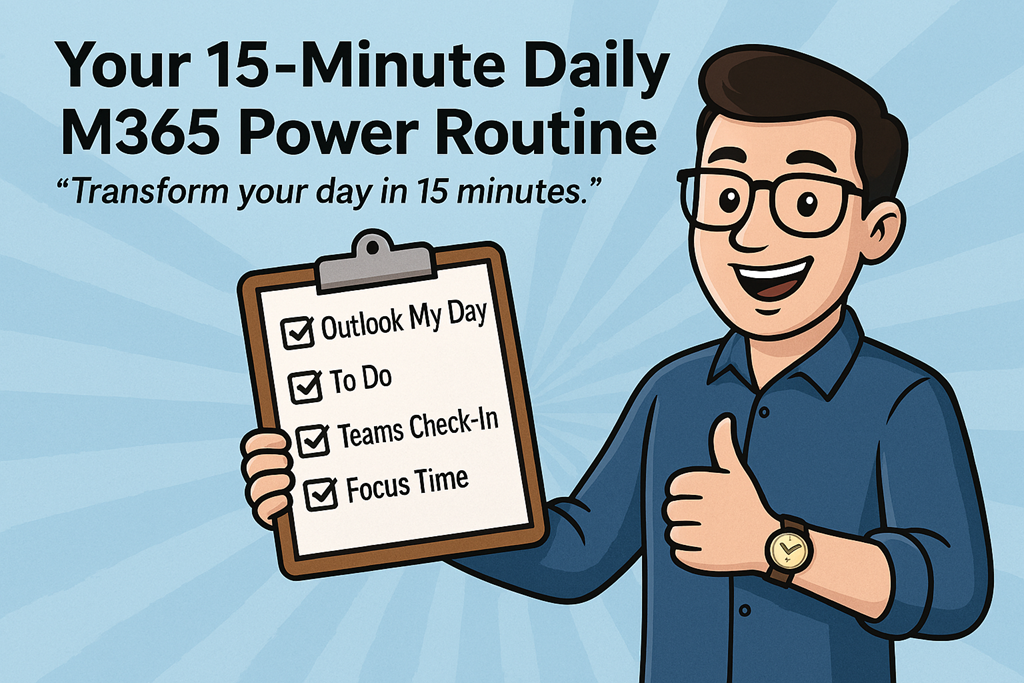
“Transform your day in 15 minutes.”
Most people don’t have a productivity problem.
They have a starting problem.
The day kicks off reactively. Emails, Teams pings, half‑finished tasks from yesterday, and suddenly it’s 11am and you’re already behind. Not because you’re lazy or disorganised, but because you never took control of the day before it took control of you.
That’s where this comes in.
This is a simple, repeatable 15‑minute Microsoft 365 power routine you can run every morning. No new tools. No fancy systems. Just using what you already have – properly.
Do this consistently and you’ll stop feeling busy and start feeling deliberate.
The Rule
Before you touch email properly.
Before you open your tenth Teams chat.
Before you let someone else’s urgency define your priorities.
You run the routine.
Every. Single. Morning.
Minute 1–3: Outlook “My Day” – Reality Check
Open Outlook and bring up My Day.
This is where most people already go wrong. They either ignore their calendar completely or treat it as a suggestion rather than a commitment.
Look at:
- Today’s meetings
- Gaps between meetings
- The real amount of time you actually have available
This isn’t about optimism. It’s about honesty.
If your calendar says you’ve got back‑to‑back meetings until 3pm, pretending you’ll “get some deep work done” before lunch is a lie you’ve told yourself too many times.
My Day shows you the truth. Accept it.
Minute 4–7: Microsoft To Do – Decide What Actually Matters
Now jump into Microsoft To Do.
Not your entire backlog.
Not your wish list.
Just today.
Ask one simple question:
“If I only got three things done today, what would move the needle?”
Flag or prioritise no more than three tasks. If everything is important, nothing is.
This is where most people sabotage themselves. They create a list that’s really just a guilt inventory. Don’t do that. Your job isn’t to remember everything. Your job is to progress the right things.
Everything else can wait.
Minute 8–10: Teams Check‑In – Reduce Noise Before It Starts
Send a short Teams check‑in.
This can be to:
- Your team channel
- A project chat
- A key stakeholder
Something as simple as:
“Top priority today is X. I’ll be focused until lunch – ping me if urgent.”
This does two things:
- It sets expectations (which reduces interruptions)
- It forces clarity on your priorities
Most interruptions aren’t malicious. They’re caused by silence. A 60‑second message now can save you 20 distractions later.
Minute 11–15: Viva Insights – Protect Focus Time
Finally, open Viva Insights and block focus time.
Not “when I get a chance”.
Not “if the day allows”.
You schedule focus like you schedule meetings, because that’s what it is – an appointment with your most valuable asset: attention.
Even one 60–90 minute focus block changes the shape of the day. Without it, your time fragments. With it, work actually finishes.
If you don’t defend this time, nobody else will.
The Checklist (Save This)
Every morning:
- Review Outlook My Day
- Pick 3 priorities in To Do
- Send a Teams check‑in
- Block focus time with Viva Insights
That’s it.
No hacks. No dopamine tricks. Just discipline and consistency.
The Challenge
Follow this routine every morning for a week.
Not when you remember.
Not when it feels convenient.
Every morning.
Then ask yourself:
- Did I feel more in control?
- Did less work spill into the evening?
- Did I stop reacting and start deciding?
If the answer is yes, you’ve just built a habit that scales better than any productivity app ever will.
If the answer is no, at least you’re now honest about how you’re starting your day.
Either way, you win.


One thought on “Your 15‑Minute Daily M365 Power Routine”