Video URL = https://www.youtube.com/watch?v=_A1pSltpcmg
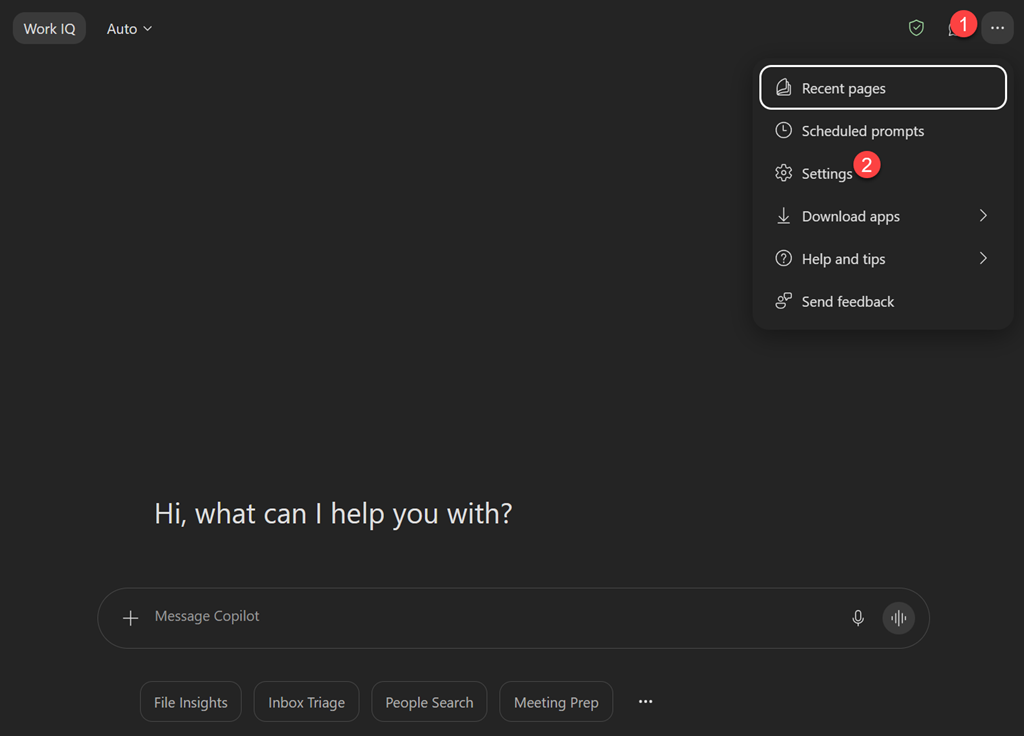
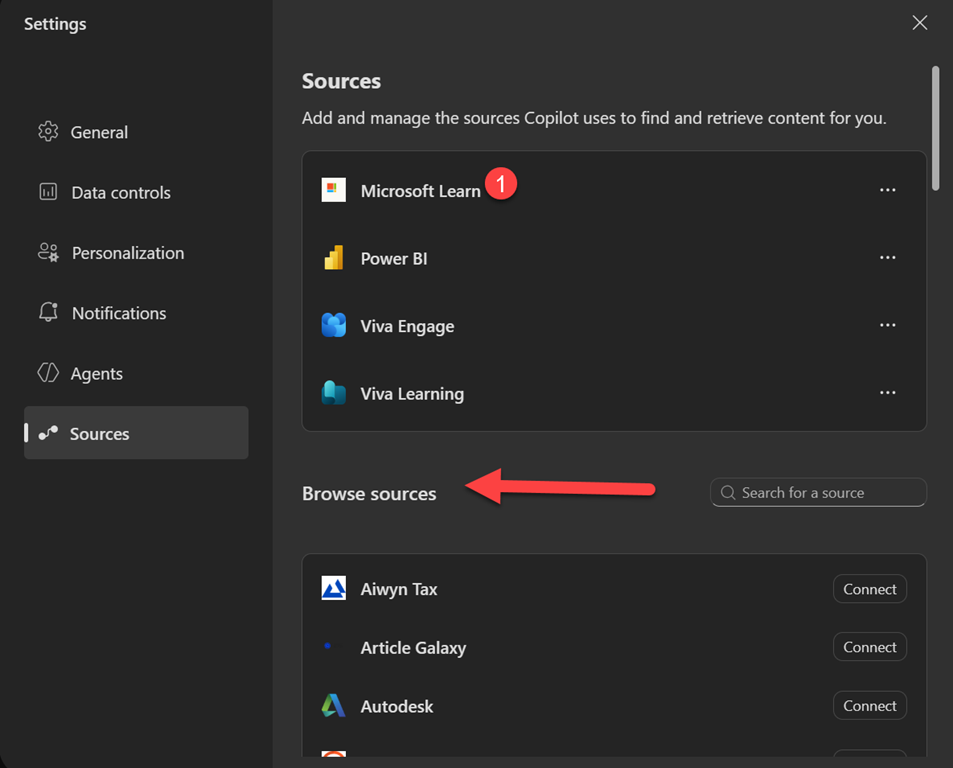
In this video, I walk you through my step-by-step process for creating a powerful, no-cost Microsoft 365 Copilot chat agent that searches my blog and delivers instant, well-formatted answers to technical questions. Watch as I demonstrate how to set up the agent, configure it to use your own public website as a knowledge source, and leverage AI to boost productivity—no extra licenses required! Whether you want to streamline your workflow, help your team access information faster, or just see what’s possible with Microsoft 365’s built-in AI, this guide will show you how to get started and make the most of your content. if you want a copy of the ‘How to’ document for this video then use this link – https://forms.office.com/r/fqJXdCPAtU