
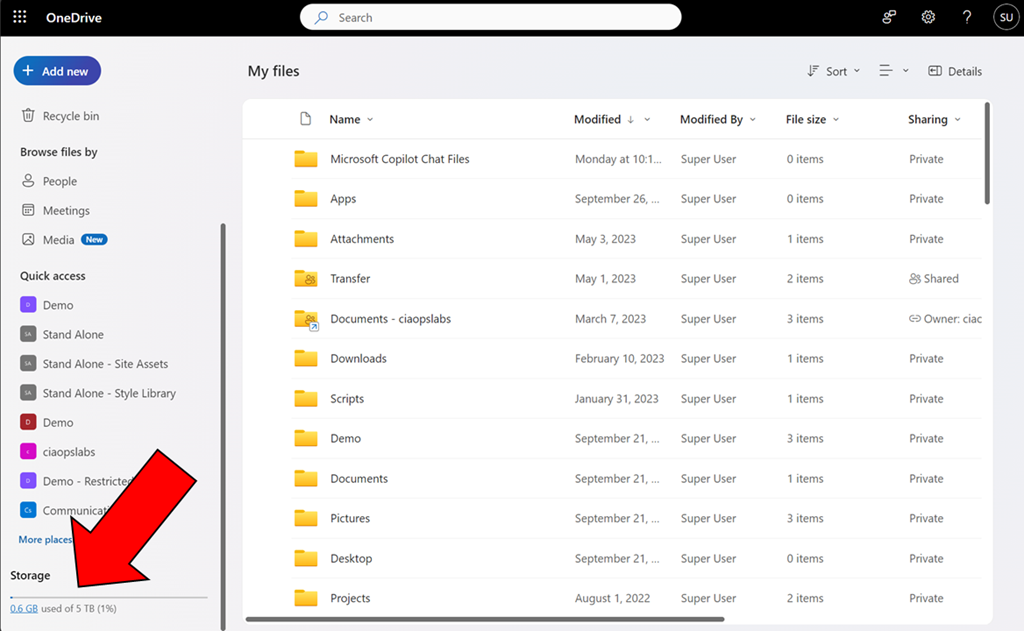
If you navigate to your OneDrive for Business and select My files and then scroll down to the bottom on the left navigation pane you will find teh following option.
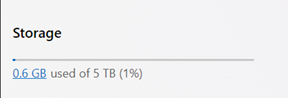
This option give you an indication of the space consumed for your OneDrive for Business.
You might also notice that the used storage is hyperlinked.

If you select that hyperlink you will now see a descending list of the largest file sizes you have saved into your OneDrive for Business as shown above.
This option make it easy to quickly see your total OneDrive for Business storage usage as well as finding the largest files you have saved. Very handy!


2 thoughts on “Find the largest files in OneDrive for Business”