
I’ve written previously about
and how handy it is when it comes to connecting to your tenant with PowerShell. What you may not realise is that you can also Azure Cloud Shell to connect to Exchange Online! All you need to do once you have launched Azure Cloud Shell is run the command:
connect-exopssession

As you can see from the above where I have connected and then used the command get-mailbox inside Azure Cloud Shell.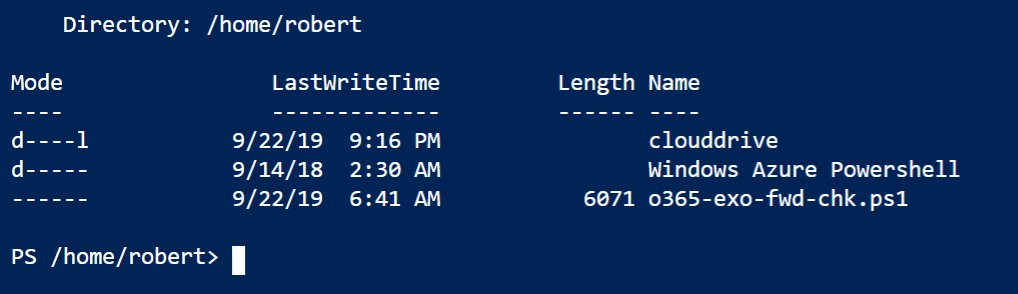
This now means you could copy my mailbox forwarding checking script:
https://github.com/directorcia/Office365/blob/master/o365-exo-fwd-chk.ps1
into your Clouddrive that is part of Azure Cloud Shell and run it.
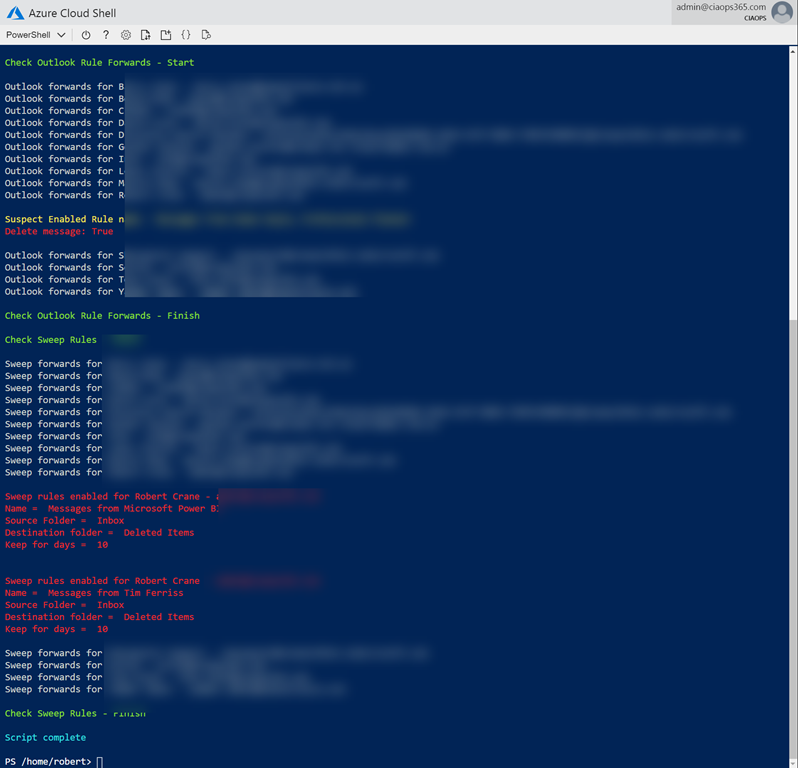
And thanks to Clouddrive it will be there next time you use Azure Cloud Shell. Handy eh? If you want to learn about this capability, visit:
 CIAOPS
One thought on “Connecting to Exchange Online with Azure Cloud Shell”