
https://directorcia.gumroad.com/l/flxnlj
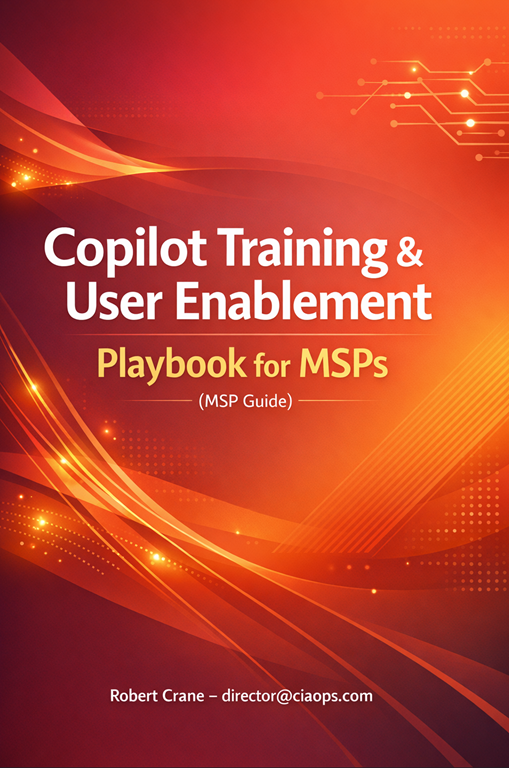
Copilot Training & User Enablement Playbook for MSPs
Unlock the True Value of Microsoft 365 Copilot for Your Clients
The “Copilot Training & User Enablement Playbook for MSPs” is the definitive guide for Managed Service Providers who want to deliver not just Copilot deployments, but real, measurable outcomes for their clients. This comprehensive playbook empowers MSPs to transform Copilot from a shelfware add-on into a daily productivity engine—ensuring clients see rapid ROI, higher user satisfaction, and a competitive edge.
What’s Inside?
- End-to-End Enablement Program: Step-by-step instructions for designing and delivering a structured Copilot training and change management program, including interactive workshops, ongoing coaching, and promotional strategies.
- Ready-to-Use Collateral: Templates for reference guides, cheat sheets, workshop agendas, and communication materials that can be quickly customized for any client.
- Proven Adoption Tactics: Practical advice on driving mindset shifts, securing executive sponsorship, and celebrating early wins to build momentum and sustain usage.
- Pricing Models & Service Bundles: Clear guidance on how to package, price, and position your training services for maximum value and recurring revenue.
- AI Center of Excellence Blueprint: A roadmap for offering ongoing support, Q&A clinics, and advanced user enablement as a premium retainer service.
Why Purchase This Playbook?
- Accelerate Client ROI: Ensure your clients realize the full value of their Copilot investment—studies show that structured training and change management dramatically increase productivity and adoption rates.
- Differentiate Your MSP: Stand out from competitors who simply “drop off” technology. This playbook positions you as a strategic partner, not just a software reseller.
- Drive Real Outcomes: Move beyond installation to deliver tangible business results—like reduced document prep time, improved collaboration, and a culture of innovation.
- Reusable, Scalable Assets: Save time and boost margins with ready-made, customizable materials and a repeatable delivery model.
- Future-Proof Your Offering: Stay ahead with up-to-date best practices, ongoing support models, and strategies for evolving client needs.
Who Should Buy?
- MSPs seeking to add high-value, high-margin services to their portfolio.
- IT consultants and trainers responsible for Microsoft 365 Copilot rollouts.
- Organizations that have deployed Copilot but struggle with low user adoption.
Don’t just deploy Copilot—make it indispensable.
Purchase the “Copilot Training & User Enablement Playbook for MSPs” and become the partner your clients trust to unlock the full power of AI in their workplace.
Now included with MSP AI Playbook bundle – https://directorcia.gumroad.com/l/mspaipb
See all the titles available at – https://directorcia.gumroad.com/




 CIAOPS