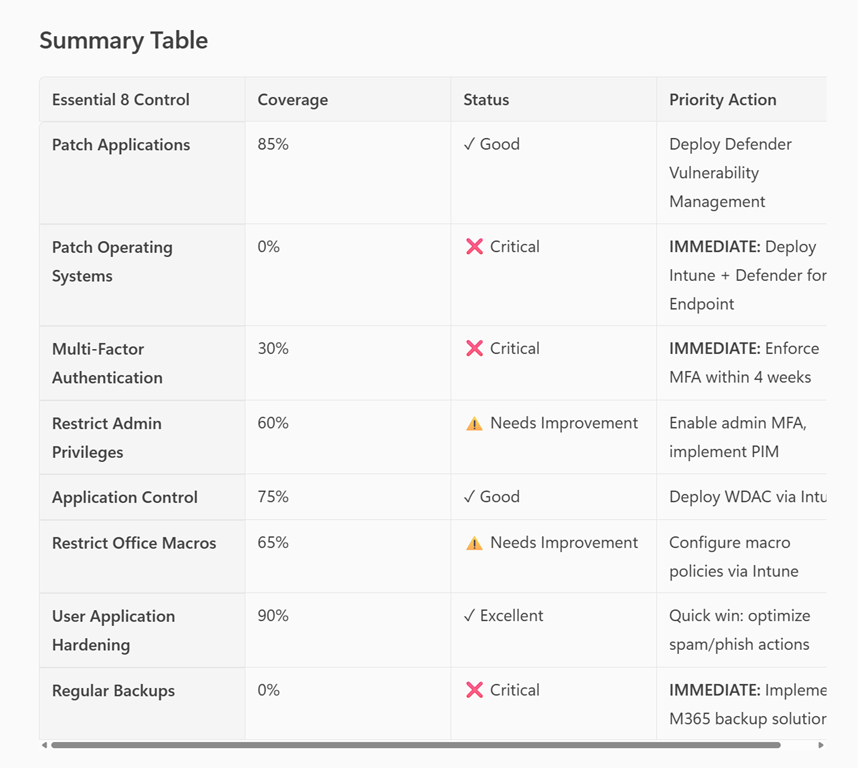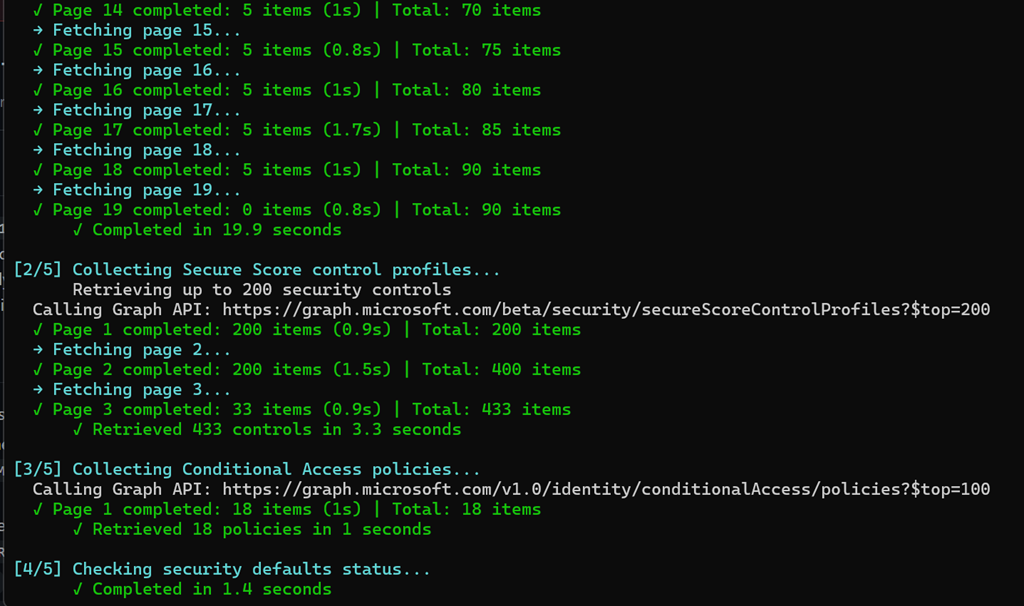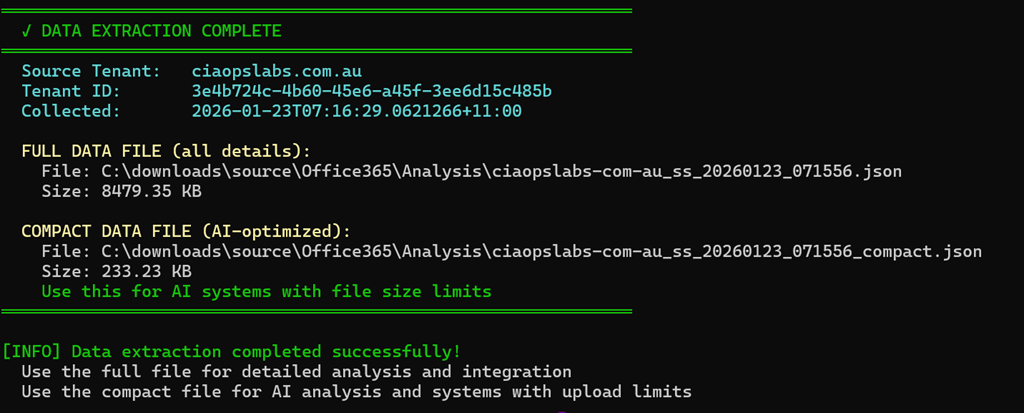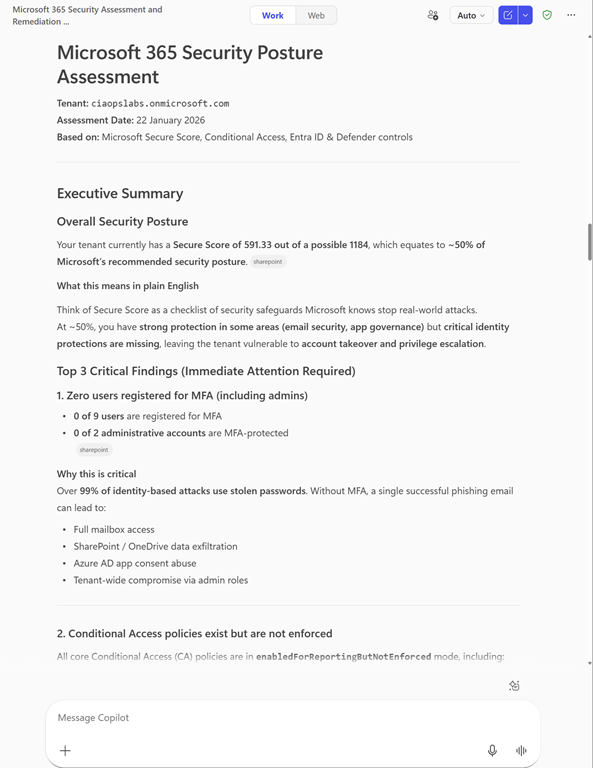
Incident Response Plan with M365BP Publication

Insta-550

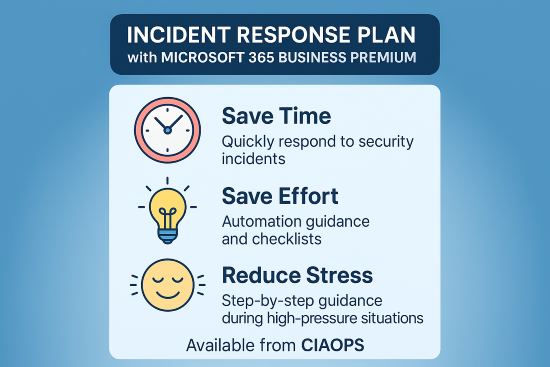
I’ve just finished off a new publication – Incident Response Plan with Microsoft 365 Business Premium. The details are:

Executive Summary

This playbook provides a comprehensive, step-by-step approach for responding to security incidents in Microsoft 365 Business Premium environments. It follows the NIST incident response lifecycle and integrates Microsoft’s best practices for cloud security. The plan is designed to help organizations minimize damage, protect sensitive data, restore operations quickly, and meet legal and regulatory requirements.

Key Components

Length = Over 90 pages

Quick Start Guide

  • Emergency Checklist: Immediate actions for newly discovered incidents, with a printable 1–2 page checklist for high-pressure situations.
  • Decision Tree: Rapid classification of incident severity (Critical, High, Medium, Low) to guide response urgency.

Notable Features

  • Checklists and Templates: Ready-to-use forms for incident logs, evidence collection, communications, and insurance claims.
  • Technical Guidance: PowerShell scripts and portal instructions for investigation and remediation.
  • Compliance Alignment: Guidance for GDPR, HIPAA, CCPA, and other regulatory notifications.
  • Continuous Improvement: Emphasis on regular drills, lessons learned, and updating the plan after incidents.

Intended Outcomes

  • Swift, organized response to security incidents.
  • Minimized business disruption and data loss.
  • Compliance with legal and regulatory requirements.
  • Improved cyber resilience through ongoing training and process refinement.

Like my last publication:

Implementing ACSC Essential Eight Maturity Level 3 with Microsoft 365 Business Premium publication

You can get your copy by heading over to my Ko-Fi at:

https://ko-fi.com/ciaops

and leaving me a one time tip for whatever you feel it is worth I’ll then email you a copy. Also ensure you include a message letting me know you want this particular publication

Note – All CIAOPS Patrons receive all my publications for free as part of their subscription. The benefits of membership.

ASD Conditional Access policies comparison script

Screenshot 2025-11-26 092018

I have taken the ASD Conditional Access policy recommendations here:

https://blueprint.asd.gov.au/configuration/entra-id/protection/conditional-access/policies/

and created a script here:

https://github.com/directorcia/Office365/blob/master/asd-ca-get.ps1

that will compare your existing Conditional Access configuration to what the ASD recommends and tell you what you should consider changing to bring your policies more in alignment with those from the ASD.

Screenshot 2025-11-26 092225

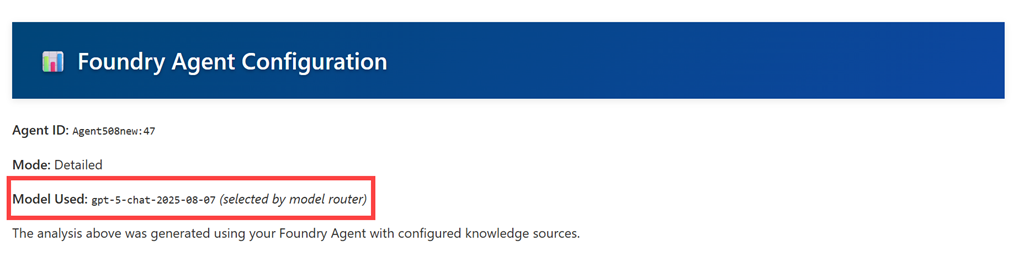
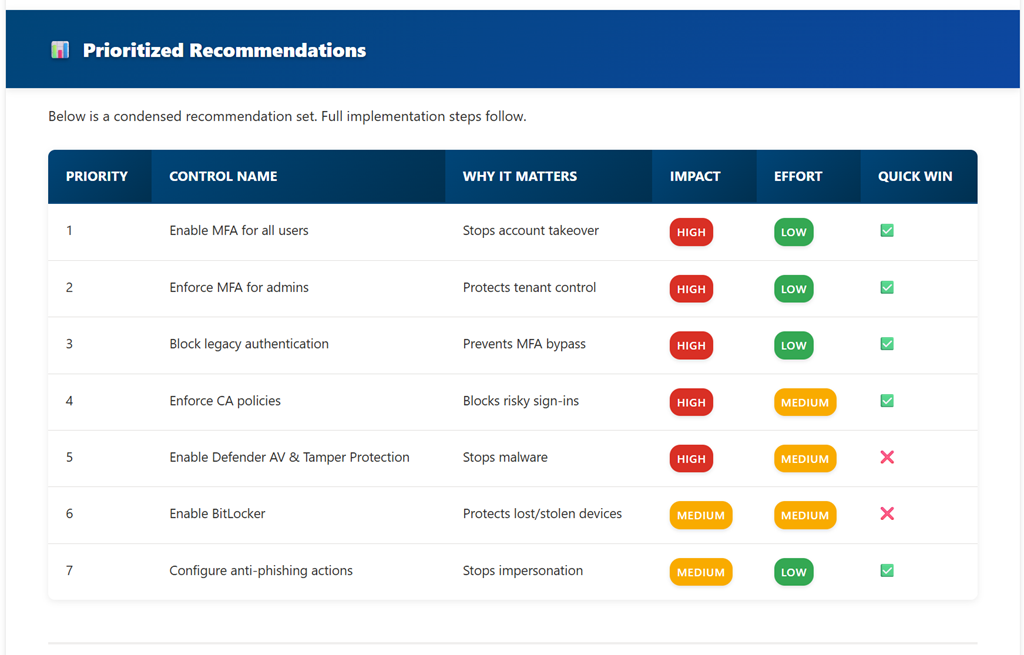
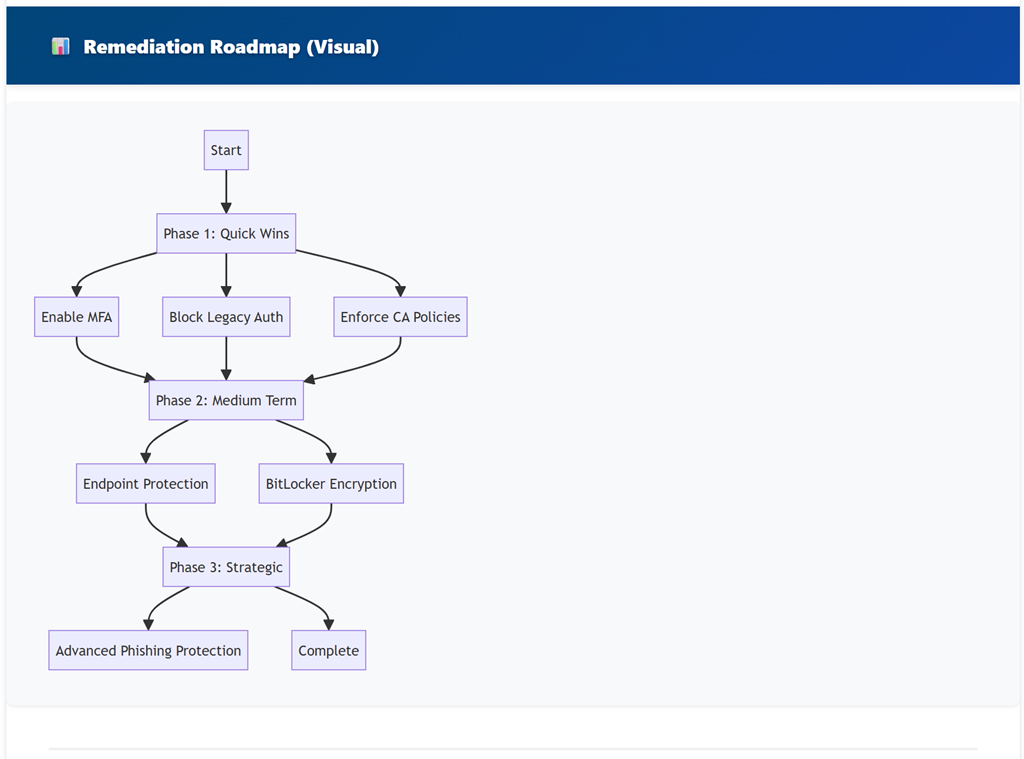
Above, you’ll see one policy evaluation and recommendation outputted to a HTML file for easy reading.

The documentation for the script is here:

https://github.com/directorcia/Office365/wiki/ASD-Conditional-Access-Policy-Evaluation-Script

I look forward to hearing what you experience is using my script.

ASD iOS Compliance policy check script

Screenshot 2025-11-25 085221

I’ve taken the iOS Compliance policy settings recommendations from the ASD Blueprint for Secure Cloud and created an online JSON settings file here:

https://github.com/directorcia/bp/blob/main/Intune/Policies/ASD/ios-compliance.json

I’ve then created a PowerShell script here:

https://github.com/directorcia/Office365/blob/master/asd-ioscomp-get.ps1

with documentation here:

https://github.com/directorcia/Office365/wiki/ASD-iOS-Compliance-Policy-Check

that reads the online JSON file (or uses a local version if you want to use that) and compares the recommended ASD settings to those in your own Intune environment. Note, the script makes NO CHANGES to your environment, it simply reads the current settings.

It then produces the console output you see above and a HTML report like this:

Screenshot 2025-11-25 085940

You can refer to this page I also created:

https://github.com/directorcia/bp/wiki/iOS-Compliance-Policy-Settings-%E2%80%90-Security-Rationale

as to why these settings are important to the security of your M365 environment.

Look out for more scripts like this coming soon. I welcome any suggestion about improving this.

ASD Windows Compliance policy check script

Screenshot 2025-11-19 101833

I’ve taken the Windows Compliance policy settings recommendations from the ASD Blueprint for Secure Cloud and created an online JSON settings file here:

https://github.com/directorcia/bp/blob/main/Intune/Policies/ASD/windows-compliance.json

I’ve then created a PowerShell script here:

https://github.com/directorcia/Office365/blob/master/asd-wincomp-get.ps1

with documentation here:

https://github.com/directorcia/Office365/wiki/Windows-Compliance-Policy-Check

that reads the online JSON file (or uses a local version if you want to use that) and compares the recommended ASD settings to those in your own Intune environment. Note, the script makes NO CHANGES to your environment, it simply reads the current settings.

It then produces the console output you see above and a HTML report like this:

Screenshot 2025-11-19 101937

You can refer to this page I also created:

https://github.com/directorcia/bp/wiki/indows-Compliance-Policy-Settings-%E2%80%90-Security-Rationale

as to why these settings are important to the security of your M365 environment.

Look out for more scripts like this coming soon. I welcome any suggestion about improving this.

ASD OWA settings check script

Screenshot 2025-11-13 073547

I’ve taken the Exchange Online Outlook web app policies settings recommendations from the ASD Blueprint for Secure Cloud and created an online JSON settings file here:

https://github.com/directorcia/bp/blob/main/ASD/Exchange-Online/Roles/owamail.json

I’ve then created a PowerShell script here:

https://github.com/directorcia/Office365/blob/master/asd-owamail-get.ps1

with documentation here:

https://github.com/directorcia/Office365/wiki/ASD-OWA-Mailbox-Configuration-Check

that reads the online JSON file (or uses a local version if you want to use that) and compares the recommended ASD settings to those in your own Exchange Online environment. Note, the script makes NO CHANGES to your environment, it simply reads the current settings.

It then produces the console output you see above and a HTML report like this:

Screenshot 2025-11-13 074141

You can refer to this page I also created:

https://github.com/directorcia/bp/wiki/Exchange-Online-OWA-Mailbox-Security-Controls

as to why these settings are important to the security of your M365 environment.

Look out for more scripts like this coming soon. I welcome any suggestion about improving this.

ASD Mailflow settings check script

Screenshot 2025-11-12 091022

I’ve taken the Exchange Online Mail Flow settings recommendations from the ASD Blueprint for Secure Cloud and created an online JSON settings file here:

https://github.com/directorcia/bp/blob/main/ASD/Exchange-Online/Settings/mailflow.json

I’ve then created a PowerShell script here:

https://github.com/directorcia/Office365/blob/master/asd-mailflow-get.ps1

with documentation here:

https://github.com/directorcia/Office365/wiki/ASD-Mail-Flow-Configuration-Check

that reads the online JSON file (or uses a local version if you want to use that) and compares the recommended ASD settings to those in your own Exchange Online environment. Note, the script makes NO CHANGES to your environment, it simply reads the current settings.

It then produces the console output you see above and a HTML report like this:

Screenshot 2025-11-12 091607

You can refer to this page I also created:

https://github.com/directorcia/bp/wiki/Exchange-Online-Mail-Flow-Security-Controls

as to why these settings are important to the security of your M365 environment.

Look out for more scripts like this coming soon. I welcome any suggestion about improving this.

ASD Remote domains check script

Screenshot 2025-11-04 095333

I’ve taken the Exchange Online Remote Domains settings recommendations from the ASD Blueprint for Secure Cloud and created an online JSON settings file here:

https://github.com/directorcia/bp/blob/main/ASD/Exchange-Online/Mail-flow/remote-domains.json

I’ve then created a PowerShell script here:

https://github.com/directorcia/Office365/blob/master/asd-remotedomain-get.ps1

with documentation here:

https://github.com/directorcia/Office365/wiki/ASD-Remote-Domain-Configuration-Check

that reads the online JSON file (or uses a local version if you want to use that) and compares the recommended ASD settings to those in your own Exchange Online environment. Note, the script makes NO CHANGES to your environment, it simply reads the current settings.

It then produces the console output you see above and a HTML report like this:

Screenshot 2025-11-04 100053

You can refer to this page I also created:

https://github.com/directorcia/bp/wiki/Exchange-Online-Remote-Domain-Security-Controls

as to why these settings are important to the security of your M365 environment.

Look out for more scripts like this coming soon. I welcome any suggestion about improving this.

The name is already being used–Shared Mailbox troubleshooting script

Screenshot 2025-10-14 165536

I recently had to move a mailbox alias from an existing mailbox to a hared mailbox. Every time I attempted to do so I received the following error:

The name is already being used. Please try another name

The error isn’t real helpful because it doesn’t tell you exactly what the other object causing the conflict could be. To make life easier and look across the array of places the conflict could be I created the following script:

https://github.com/directorcia/Office365/blob/master/find-name-conflict.ps1

with documentation at:

https://github.com/directorcia/Office365/wiki/Find-Name-Conflict-%E2%80%90-Shared-Mailbox-Diagnostic-Tool

In my case the issue was with a ‘Name’ value in Entra ID but the script will also give your recommendations on what PowerShell commands to run to overcome any issues it detects. I ran these and I was good to!

Hopefully, this script makes it easier to find any conflicts.