New Microsoft image model

I have a standard image prompt that I use to test Ai models. The previous iteration with MAI-Image-2.5-Flash and MAI-Image-2.5 is here:

https://blog.ciaops.com/2026/06/04/latest-microsoft-image-models/

Before that with MAI-Image-1.5 and Flux.2 Flex is here:

https://blog.ciaops.com/2026/05/16/copilot-image-generation-in-powerpoint/

the previous attempts:

https://blog.ciaops.com/2026/05/05/revisiting-copilot-image-generation-analysis/

and the first attempt:

https://blog.ciaops.com/2026/03/07/image-generation-analysis/

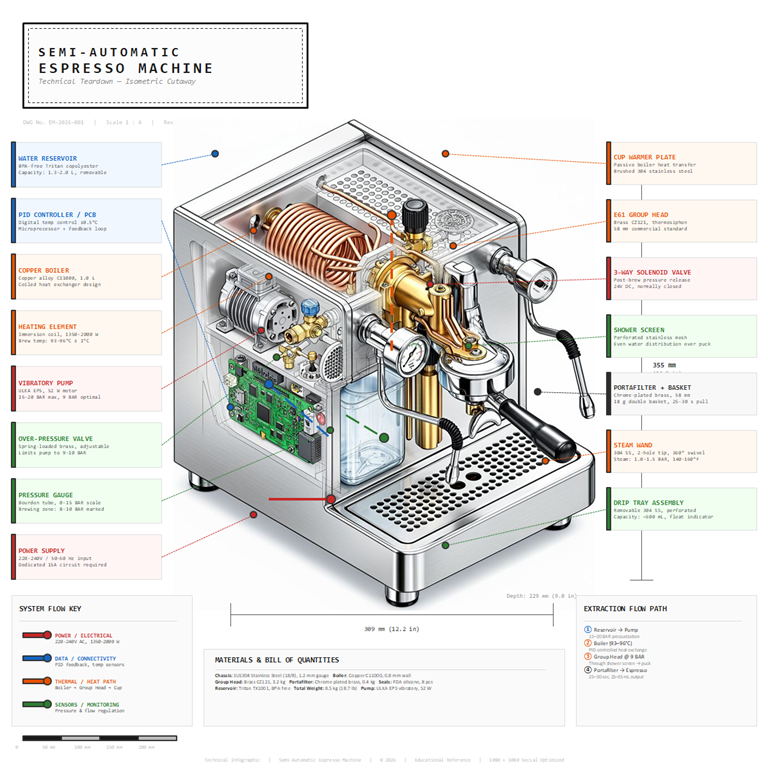
Microsoft has just released a new models and here is what I got when I used them:

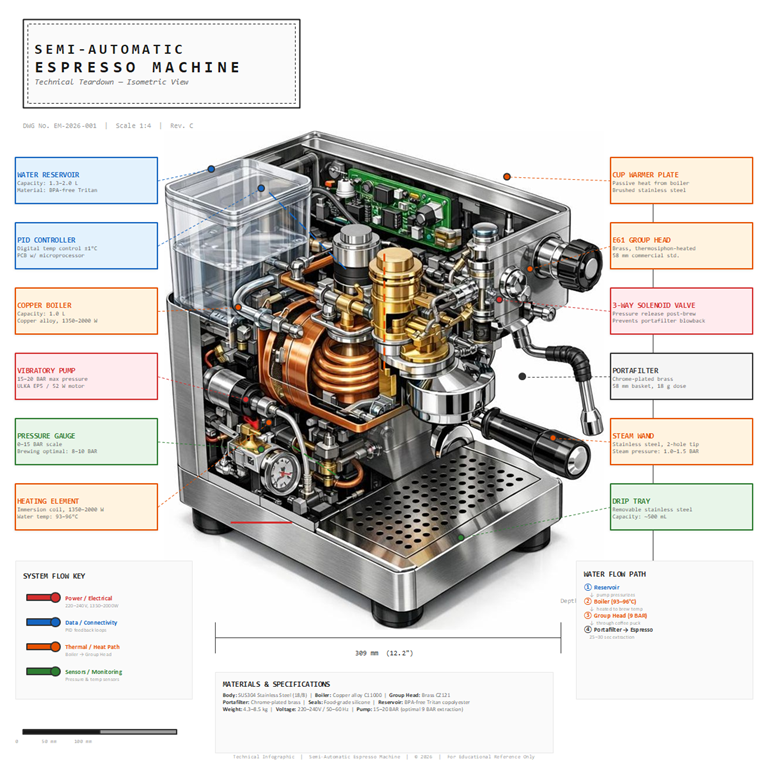
MAI-Image-2.5-Pro
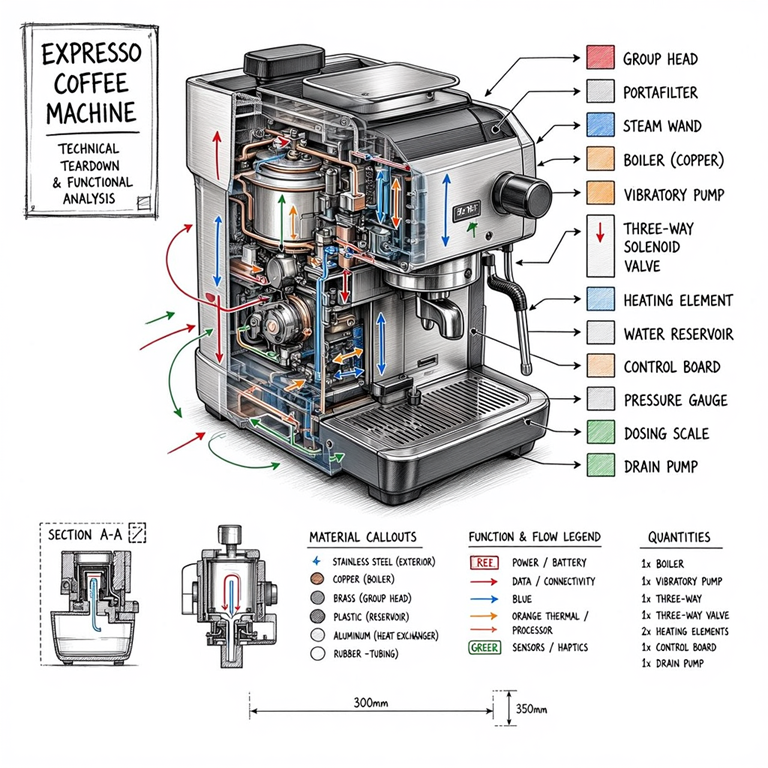
MAI_62dbc50ed84cdf44

It will be soon available across Microsoft 365 services and desktop apps. You can read more about the new models here:

https://microsoft.ai/news/introducing-mai-image-2-5-pro-and-mai-voice-2-flash/
Copilot image generation in PowerPoint

One of the ways I like to test new image models is to give them the same prompt to create an image of an expresso machine. You can see the last iteration here:

https://blog.ciaops.com/2026/05/05/revisiting-copilot-image-generation-analysis/

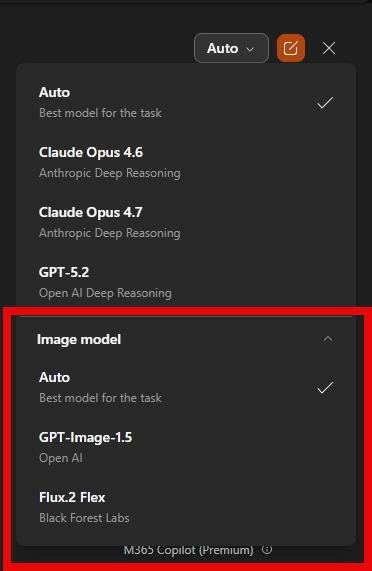
More advanced image options have made their way into PowerPoint and it allows me to use the image model of my choice per:

image

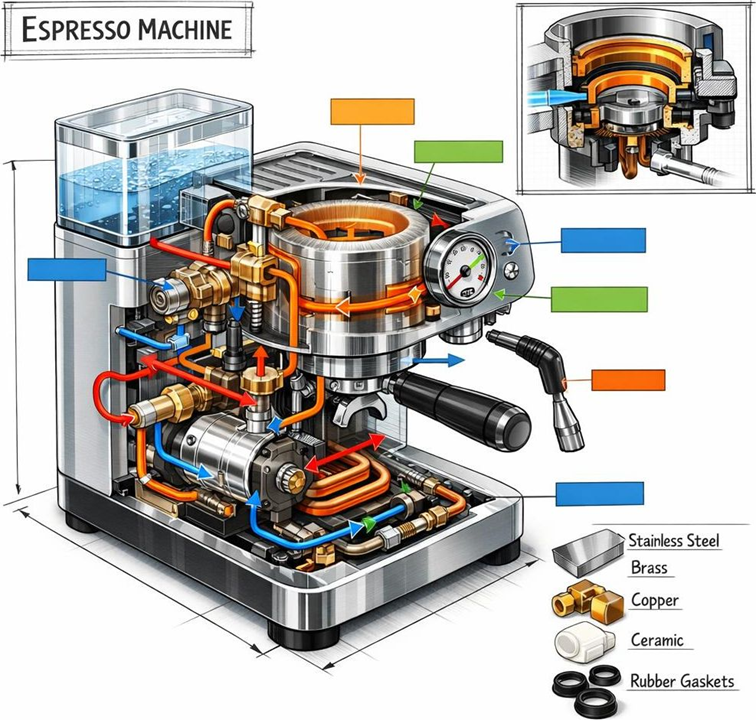
So to test, I took exactly the same prompt I had used before to create images and used it inside PowerPoint with each model. Here’s the result from using GPT-Image-1.5

image

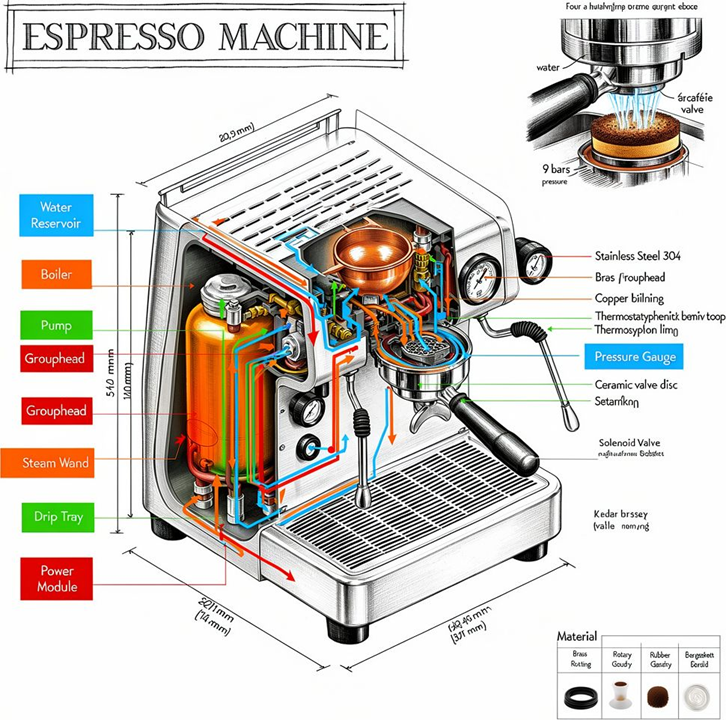
and Flux.2 Flex

image

These output are now beginning to revival dedicated image creation tools and they are backed right into PowerPoint and probably soon, all other desktop apps thanks to Copilot!

As a slight variation, I asked Copilot in PowerPoint to create a complete slide rather than just a single image and here’s what I got:

GPT-Image-1.5

image

and Flux.2 Flex

image