
One pattern I see repeatedly in MSP businesses—especially as they start adopting Microsoft 365 Copilot—is the quiet belief that once something is delegated, the job is done.
Hand it to a technician.
Hand it to an admin.
Hand it to an AI tool.
Then move on.
That approach has always been risky. With Copilot in the mix, it becomes outright dangerous.
Not because Copilot is untrustworthy—but because systems don’t improve unless you observe them. And as an MSP, improving systems is literally your job.
Delegation Without Inspection Is How Problems Hide
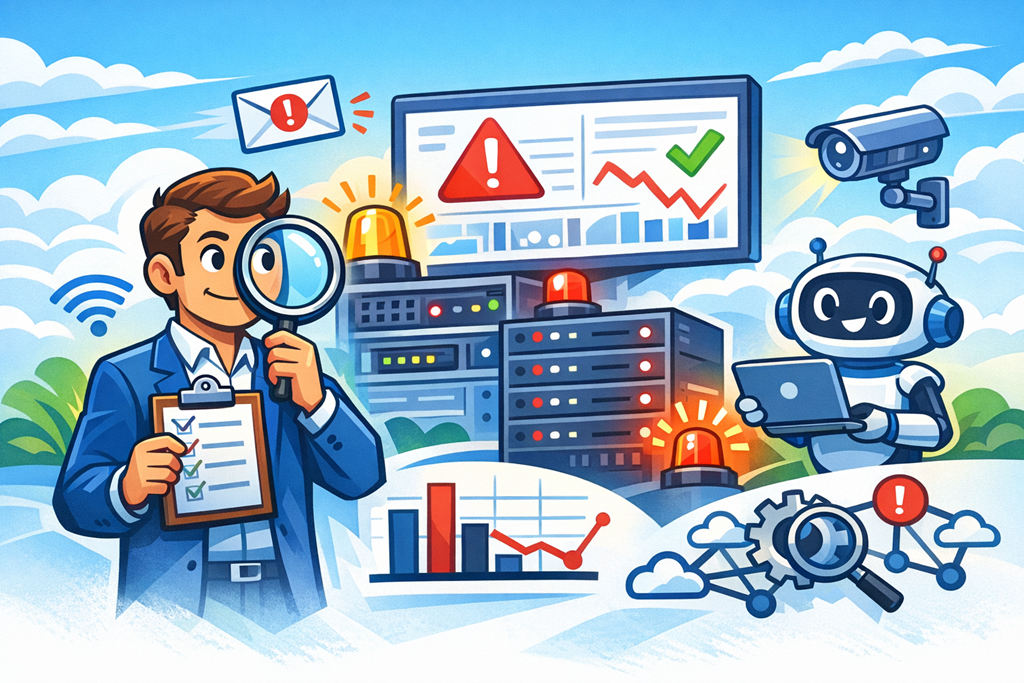
Most MSPs already understand this with infrastructure. You don’t deploy backups and just hope they work. You test. You get alerts. You look for drift.
But when it comes to productivity work—emails, reporting, meetings, content creation—we suddenly relax.
I’m seeing MSPs roll out Copilot, show users a few prompts, and then disappear. No feedback loop. No measurement. No review of outputs or behaviours.
Weeks later, the questions start:
- “Why are users still asking basic questions?”
- “Why hasn’t productivity improved?”
- “Why does Copilot feel underwhelming?”
The issue isn’t the tool. It’s the lack of inspection.
Copilot Changes the Work—So You Need New Sensors
Copilot doesn’t just speed things up. It changes how work happens.
People delegate thinking earlier.
Drafts appear faster.
Decisions are made with less friction—and sometimes less reflection.
That’s powerful, but only if you can see what’s going on.
This is where I introduce the idea of sensors.
Sensors are simple mechanisms that tell you when reality drifts from expectation. They’re not about distrust—they’re about visibility.
In Copilot terms, that might look like:
- A short weekly check‑in where users paste an example output that helped (or failed).
- A dashboard showing adoption signals across apps, not just license counts.
- A Teams message when usage patterns drop after the initial rollout.
- A review cadence where managers validate whether Copilot‑created artefacts are actually being used.
None of this is complex. Almost no one does it.
AI Amplifies Weak Processes First
Here’s the uncomfortable truth: Copilot makes good systems better and bad systems louder.
If documentation is outdated, Copilot spreads outdated thinking faster.
If decision rights are unclear, Copilot accelerates confusion.
If users don’t know what “good” looks like, Copilot produces more confident mediocrity.
Inspecting outcomes—not effort—is how you catch this early.
I’ve worked with MSPs who expected Copilot to “lift capability” across the board. What actually happened was more revealing: high performers got better, while poor habits became more visible.
That visibility is a gift—if you’re looking for it.
Growth Comes From Feedback Loops, Not Trust Falls
Whether you’re an MSP of five people or fifty, growth doesn’t come from hiring smarter people or deploying smarter tools. It comes from tightening feedback loops.
That’s why mature MSPs obsess over:
- Red/green indicators
- Exception reporting
- Notifications when something deviates from normal
The same thinking now applies to knowledge work.
Copilot isn’t a project you “finish”. It’s a system you tune. And tuning only works when you inspect what you expect.
The Takeaway for MSP Leaders
If you’re advising clients—or running your own MSP—don’t treat Copilot like a magic upgrade.
Treat it like any other core system:
- Define what “good” looks like
- Build simple sensors
- Review outputs, not intentions
- Adjust the environment, not just the prompts
Trust is fine. Visibility is better.
If you’re not inspecting, you’re guessing. And guessing doesn’t scale—especially in an AI‑assisted world.

