
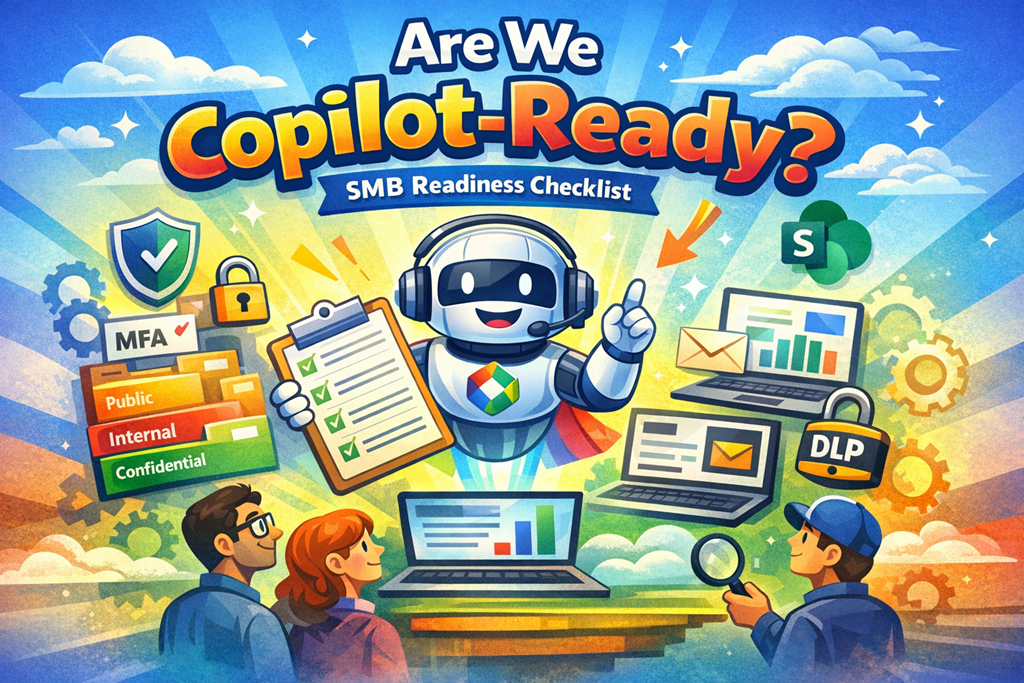
A practical readiness checklist for SMBs using Microsoft 365
Purpose:
Microsoft 365 Copilot works only within the permissions, data, and policies you already have. This checklist helps confirm whether your tenant is ready—or whether Copilot will simply surface problems faster.
You don’t need to score 100%. You do need to know where the risks are.
1️ Identity & Access (Foundation)
✅ We have Entra ID (Azure AD) accounts for all staff
✅ Multi‑factor authentication (MFA) is enforced for all users
✅ Admin roles are limited and reviewed periodically
✅ Former employees and guest users are removed promptly
✅ Conditional Access is in place for risky sign‑ins or devices
If “No” appears here:
Copilot will still work—but with higher security risk.
2️ Licensing Reality Check
✅ We understand the difference between:
- Copilot Chat (Basic)
- Microsoft 365 Copilot (Paid / Premium)
✅ We know which roles actually need Copilot licences
✅ We are not assuming “everyone gets it for free”
✅ Business Premium (or E3/E5) is in place for users handling sensitive data
If unclear:
Expect confusion, helpdesk tickets, and poor adoption.
3️ SharePoint & OneDrive Permissions (The Big One)
✅ SharePoint sites have clear owners
✅ Access is based on need, not convenience
✅ “Everyone” or “Anyone with the link” sharing is controlled
✅ Old project sites are archived or cleaned up
✅ We’re comfortable with Copilot summarising what users can access
Reality check:
Copilot doesn’t break permissions—it makes them obvious.
4️ Sensitivity Labels & Data Classification
✅ Sensitivity labels exist (even if only a few)
✅ Labels are applied to key documents and libraries
✅ Staff understand “Public vs Confidential” at a basic level
✅ We know Copilot respects sensitivity labels
✅ We are aware auto‑labelling may change labels automatically
Minimum viable setup:
Public / Internal / Confidential is often enough to start.
5️ Data Loss Prevention (DLP) Basics
✅ DLP is enabled for email and files
✅ Alerts or user warnings exist for sensitive data sharing
✅ We accept that Copilot follows the same DLP rules
✅ IT monitors DLP incidents (not just blocks them)
Without DLP:
Copilot can still answer—but may summarise data you’d rather it didn’t.
6️ Devices & Work Locations
✅ Devices are managed (Intune or equivalent)
✅ We know which devices are corporate vs personal
✅ Business data access is restricted on unknown or unmanaged devices
✅ Staff regularly work from approved locations
Why this matters:
Copilot uses the same trust signals as Outlook, Teams, and SharePoint.
7 Governance & Change Management
✅ Someone owns Copilot decisions (not “everyone”)
✅ We have user guidance for:
- What Copilot is
- What Copilot is not ✅ Staff know they remain responsible for final output
✅ We are prepared to say “not yet” to some AI use cases
Copilot readiness is organisational, not just technical.
8 Helpdesk & User Expectations
✅ Helpdesk knows Copilot behaviour changed in April 2026
✅ We can explain “why Copilot looks different now”
✅ We know where Copilot is expected to work (and where it won’t)
✅ We’ve set expectations around quality, limitations, and review
Silence here = frustration later.
✅ Copilot‑Ready Summary
- Mostly ✅ → You’re ready to enable Copilot safely
- Several ⚠️ → Fix fundamentals first
- Many ❌ → Copilot will amplify risk and confusion
Rule of thumb:
If you wouldn’t be comfortable with an intern reading and summarising your Microsoft 365 data, Copilot isn’t the problem—your tenant is.

