

If you have Copilot for Microsoft 365 you will find you have a number of Copilot abilities surfaced in your OneDrive for Business as shown above, such as Summarize, Compare files, etc.

What you may not be aware of, is when you add a Shortcut to OneDrive as shown above, from your SharePoint document libraries or Teams channels,
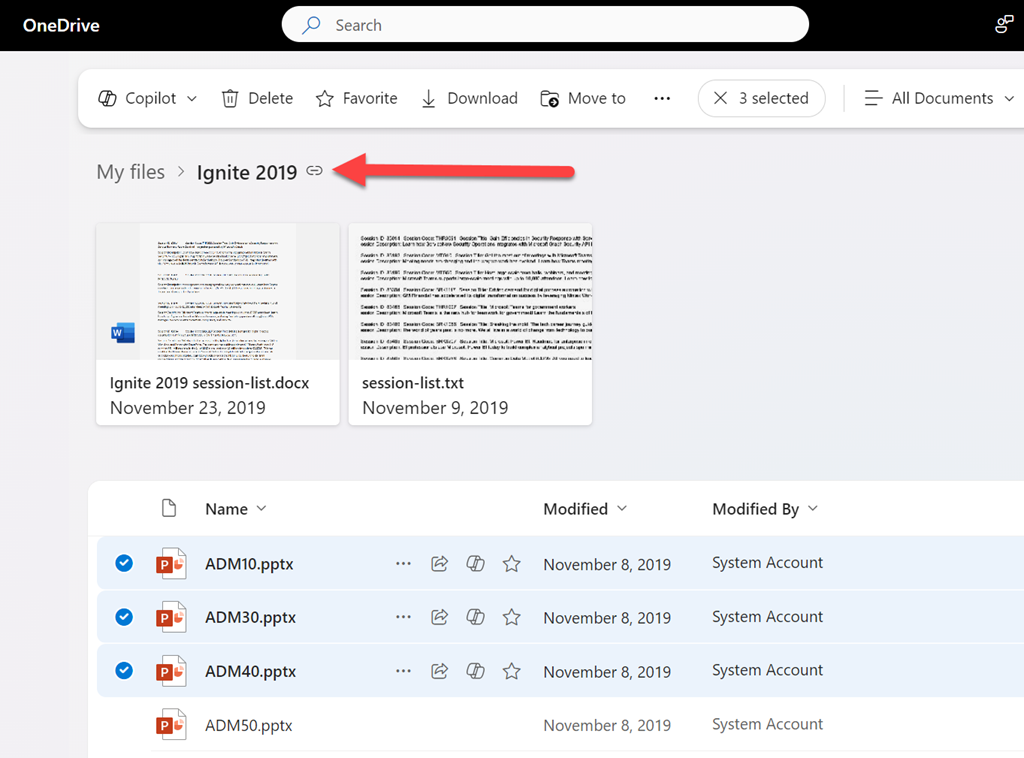
that shortcut then appears in the list of folders in OneDrive as shown above
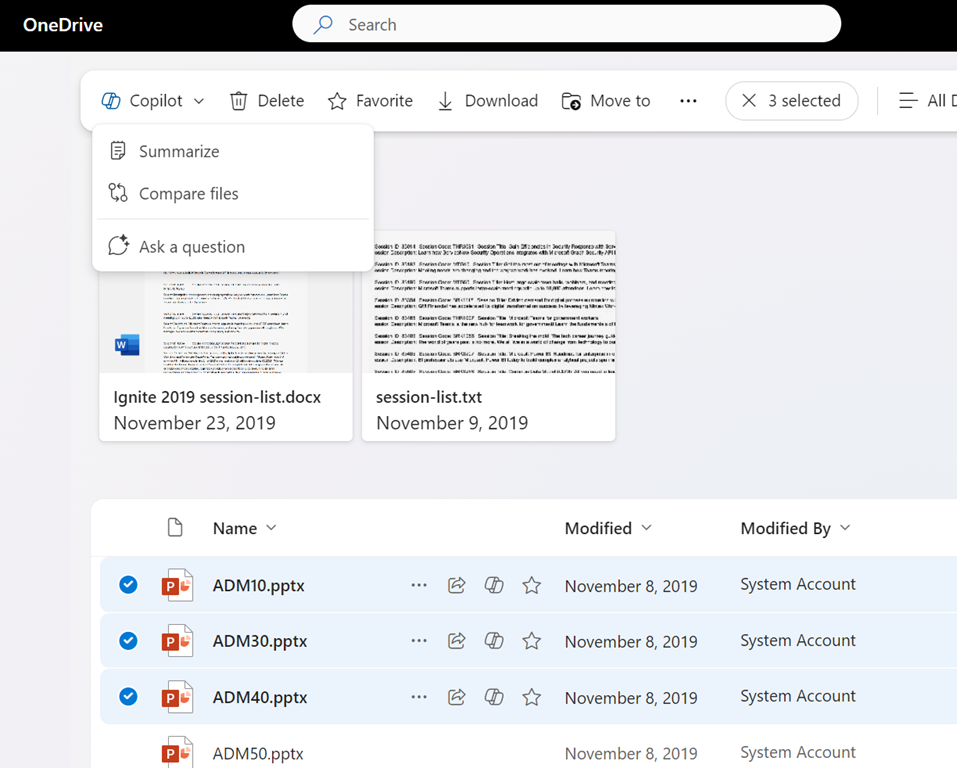
and the contents of this shortcut, in your OneDrive, also now have the ability to be used with Copilot themselves just like any normal file in OneDrive for Business. Thus, if you ‘link’ your SharePoint and Teams documents to your OneDrive for Business you can now use them direct with Copilot for Microsoft 365 to do things such as create FAQs, comparisons, summaries, etc.
 CIAOPS