
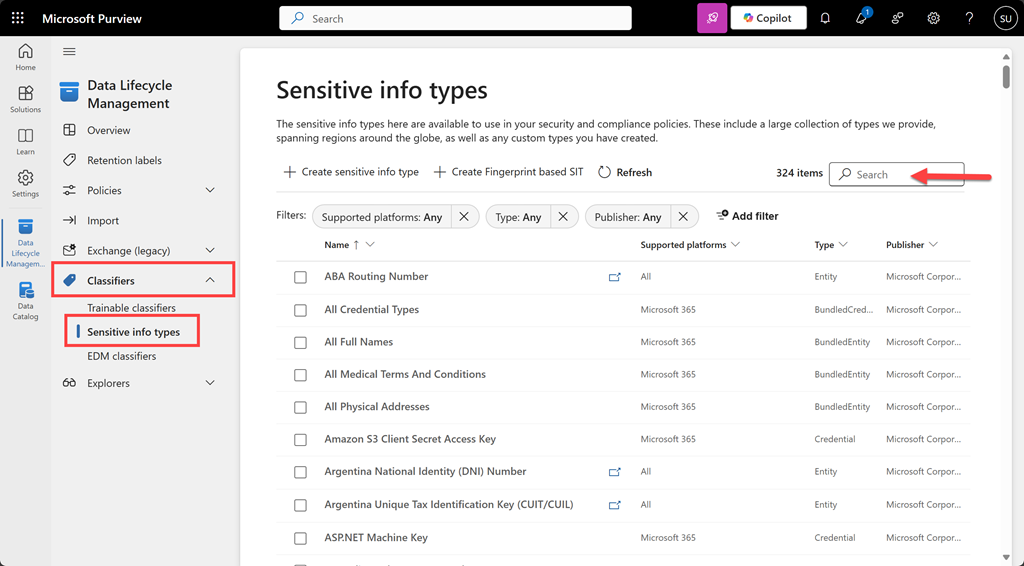
To test a file for a sensitivity type navigate to the Microsoft Purview portal. From the solutions icon on the left hand side select Data Lifecycle Management. Expand the Classifiers option from the menu and select Sensitive info types as shown above. You can search for the an item via a search in the top right.
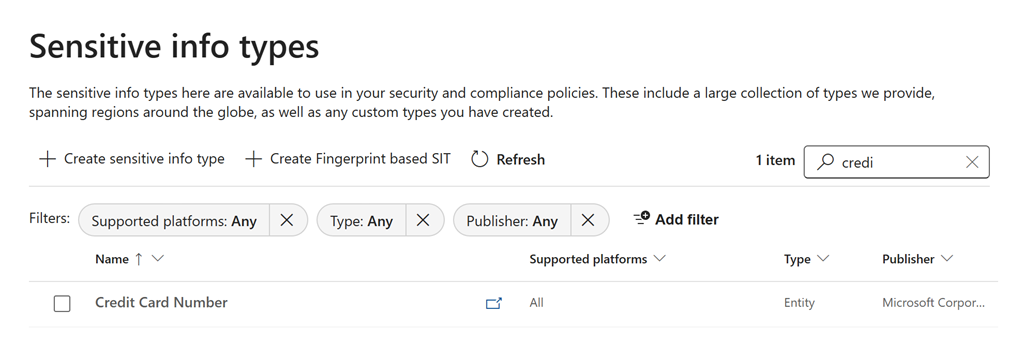
Here, I’ll located Credit Card Number as shown above.
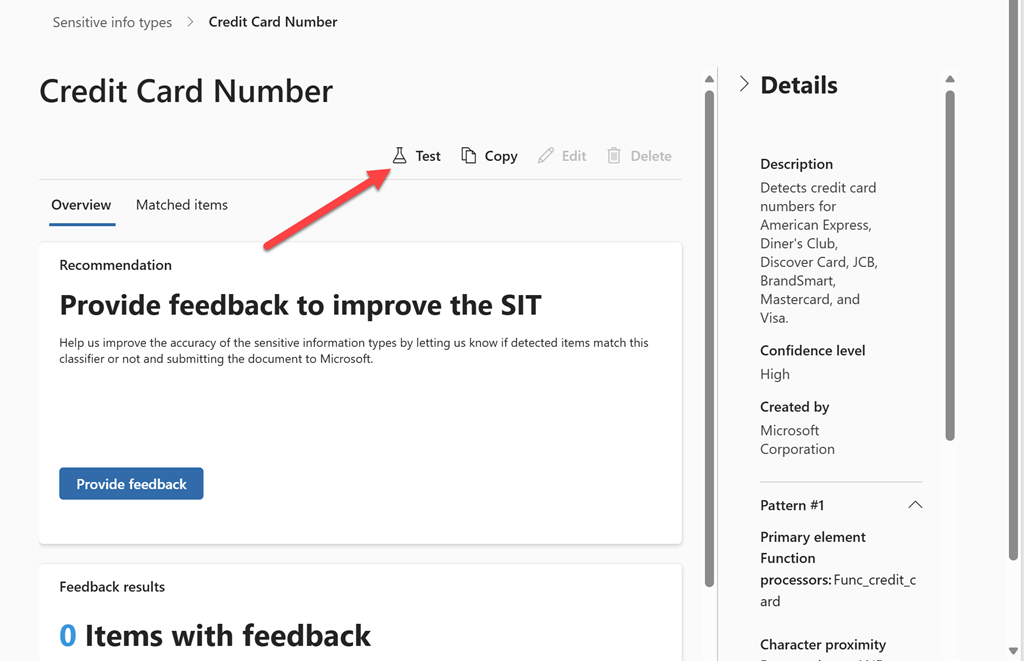
On the right hand side you will find a Test icon as indicated above.
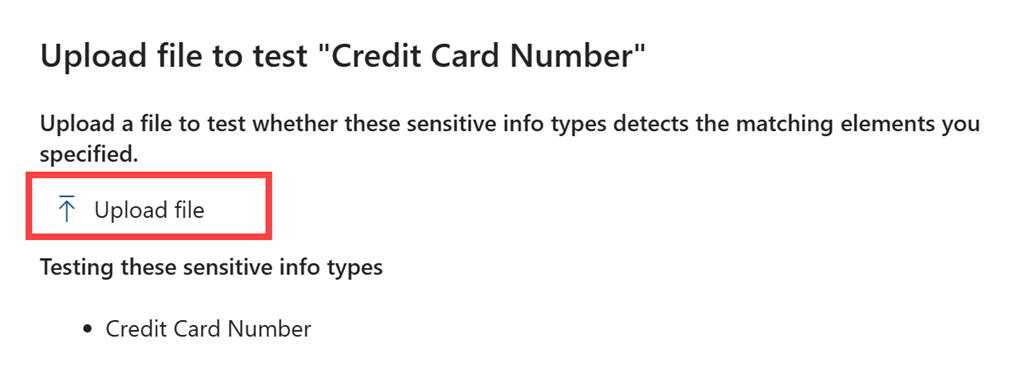
From the right will appear a window with an option to Upload file as shown above.
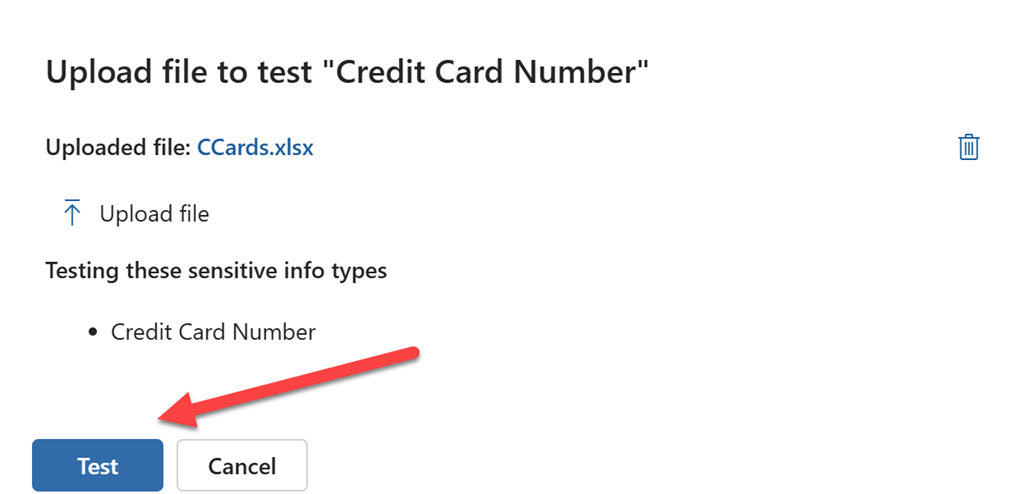
Once you have uploaded the file you wish to test, select the Test button at the bottom of the page as shown.
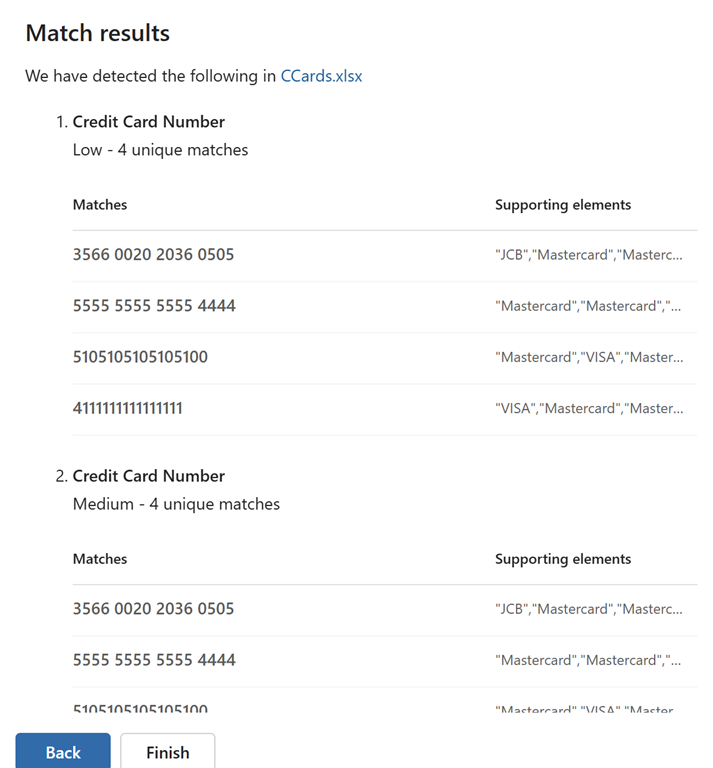
After a moment or two, you’ll see the results of the test as shown above.
This manual sensitive information testing process will allow you to verify whether your file content will be identified by services such as DLP in MIcrosoft Purview. This should make creating policies to ptotect your information easier.
 CIAOPS