
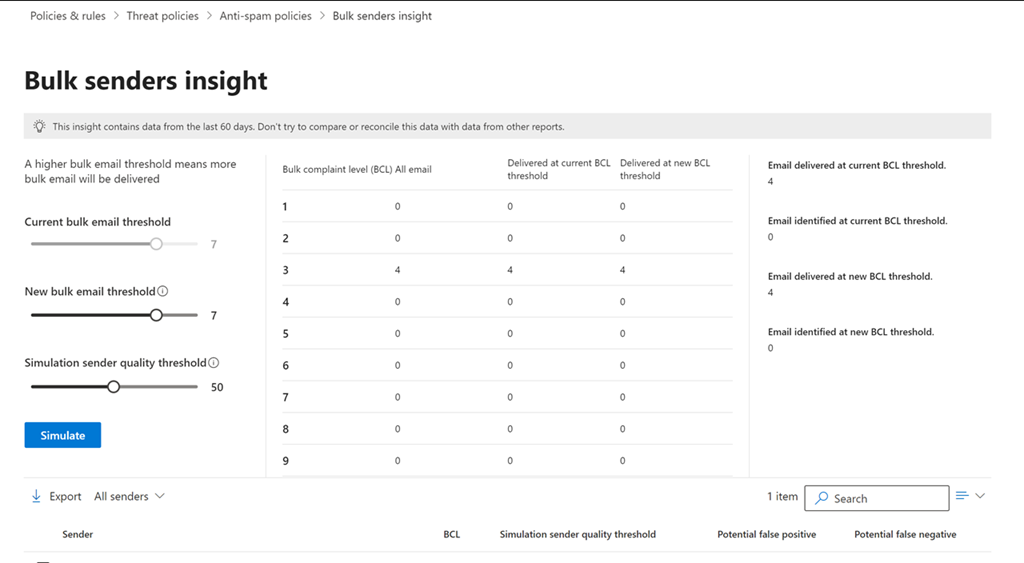
If you navigate to
https://security.microsoft.com/senderinsights
you should see the above Bulk senders insight console. You can also get to this if you select an Exchange Online anti spam policy like so:
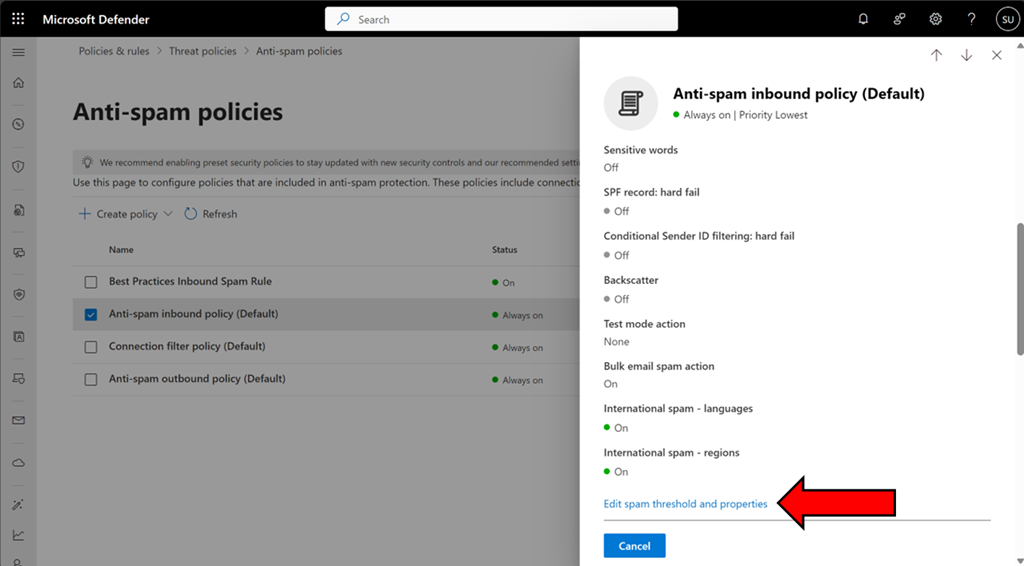
and scrolling down the dialog that appears on the right and selecting Edit spam threshold and properties as shown above.
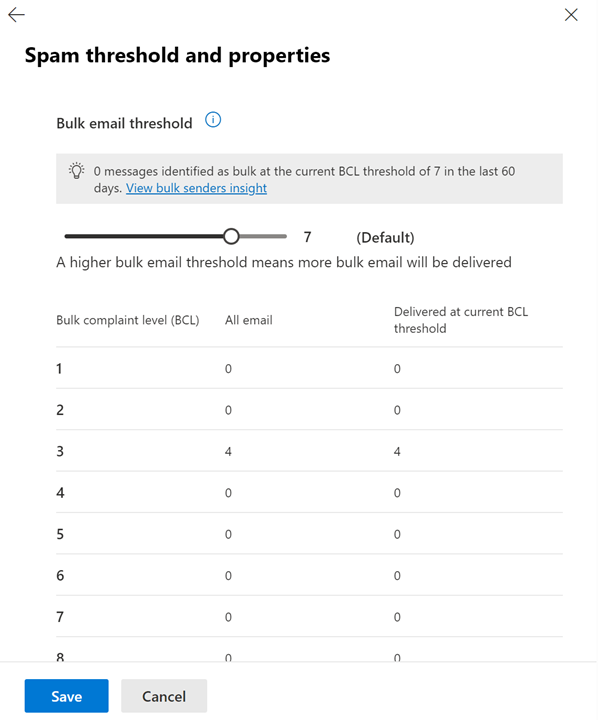
and then scroll up to the top of the dialog as shown above.
You can read more about this capability here:
https://learn.microsoft.com/en-us/defender-office-365/anti-spam-bulk-senders-insight
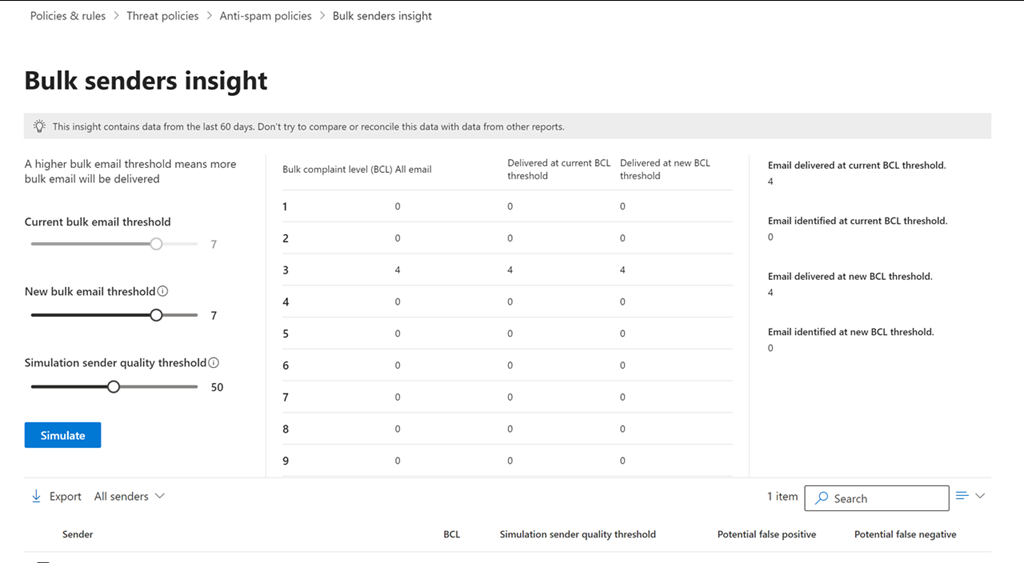
You can adjust the sliders on the left and then select the Simulate button to report on the emails that would be caught by this new level before actually applying to the policy. The list below will also show those that have been caught so you know exactly which emails would be caught if this change was made to the BCL level in a spam policy setting.
This now a handy way to fine tune the BCL settings inside Exchange Online antispam policies.
 CIAOPS