

Once you have added Viva Engage to Microsoft Teams from apps, select it. In the top right corner select the ellipse as shown above. Then from the menu that appears, select Manage storyline.
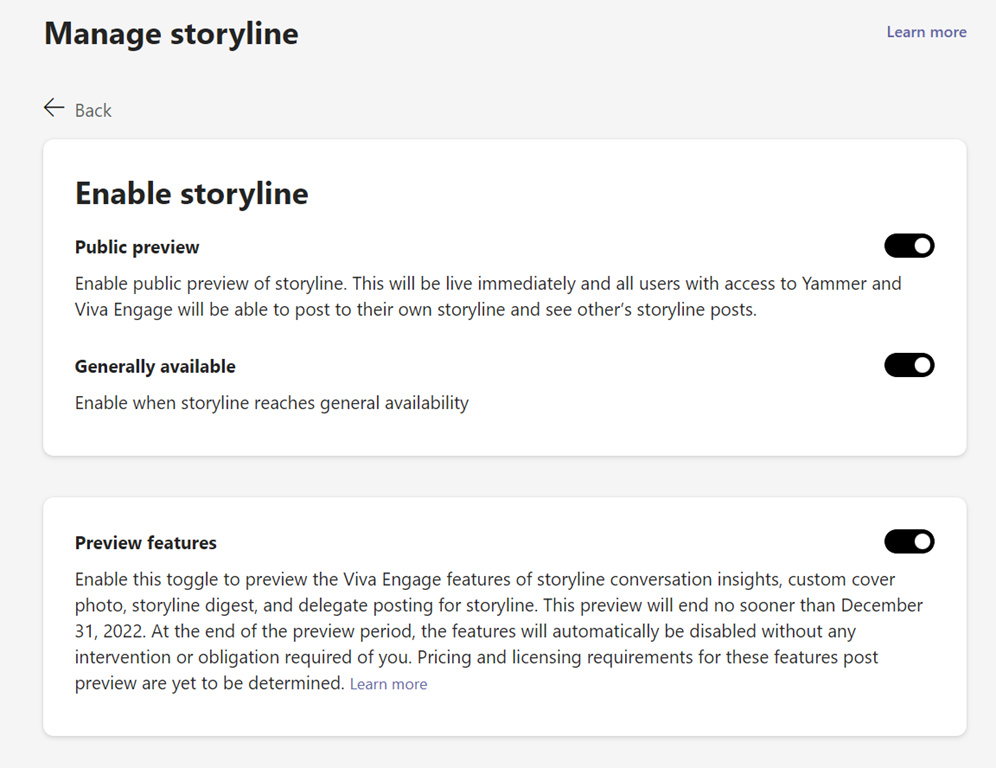
Turn on all the options you see here.
More information about Storyline can be found here:
 CIAOPS