

I’ve been working on an autonomous action in Copilot Studio and found that it seems ot get stuck on”Waiting for user” as shown above.
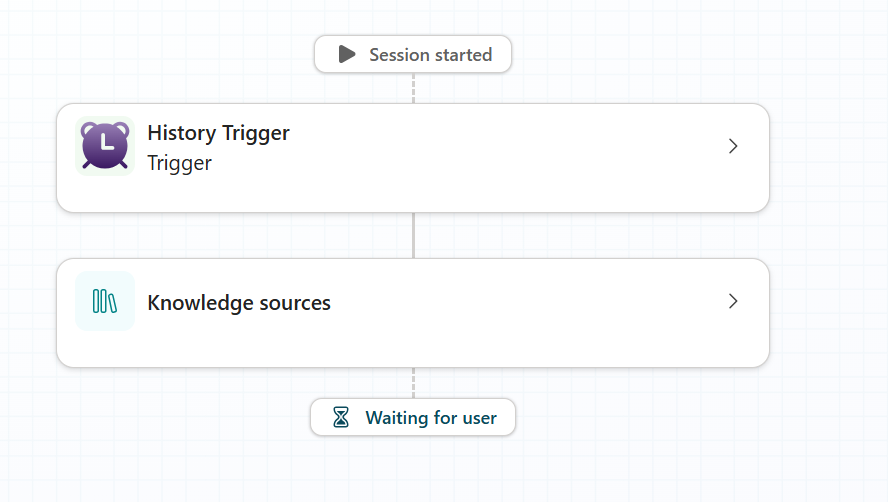
When I open that activity, again you’ll see that it says “Waiting on user”
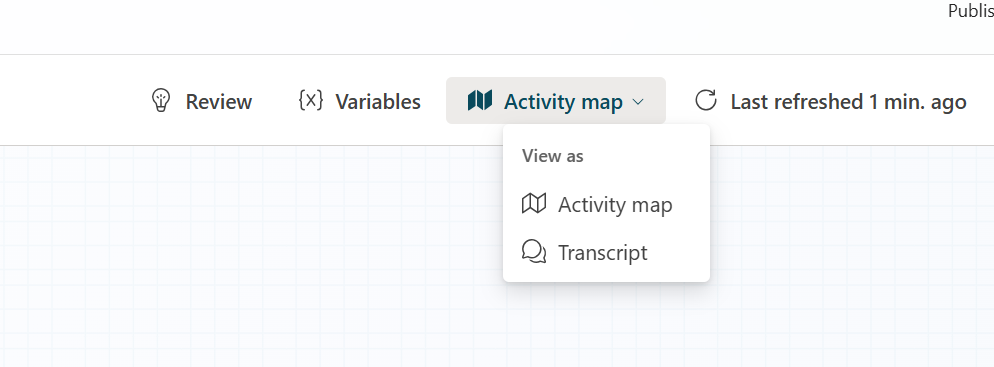
If I go to the top right and select Transcript from the menu as shown above.

I see these two buttons, as shown above. Problem is, neither of them actually do anything! this appears to be a bug.
The solution is to put your browser into developer mode. Search the element for the text:
copilotstudio.microsoft.com/c2
This the start of the URL that the button should use. Copy that elment and paste it into Notepad.
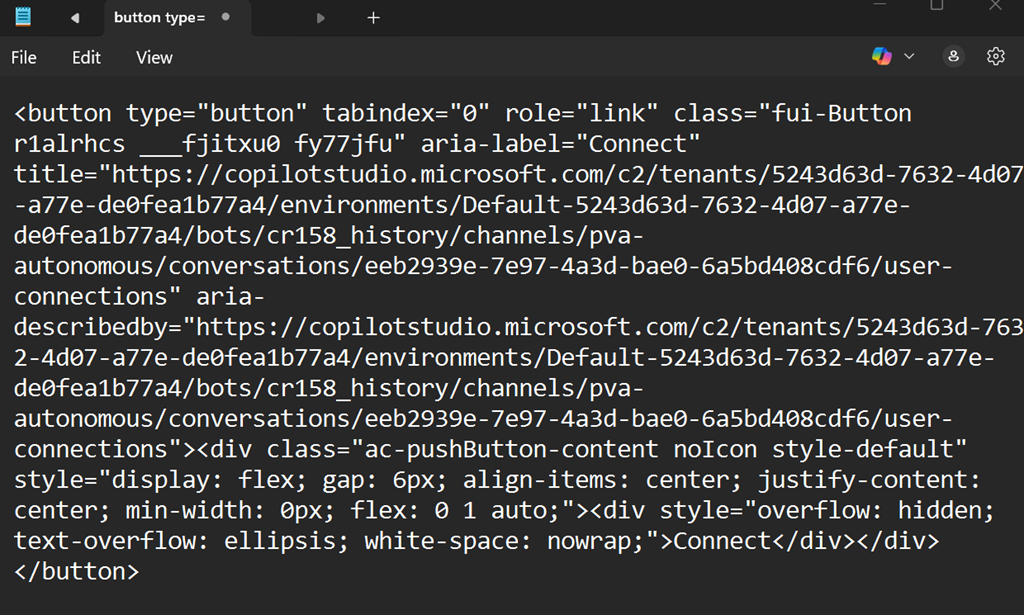
Remove everything but teh URL like so:
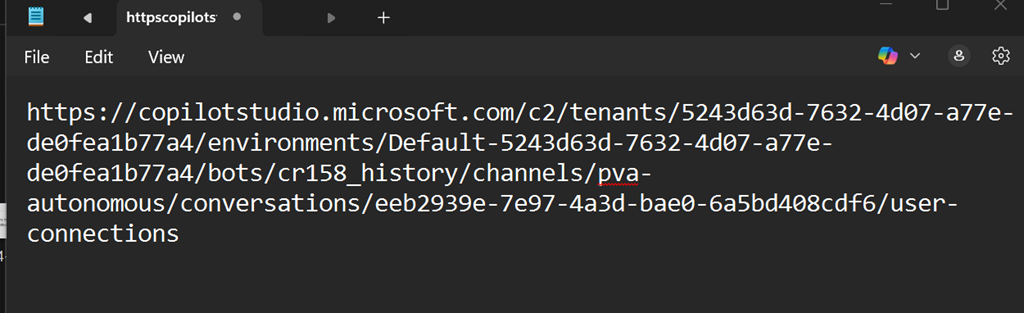
Copy that URL and paste it into a new browser tab in the same session and you should now see the following page:
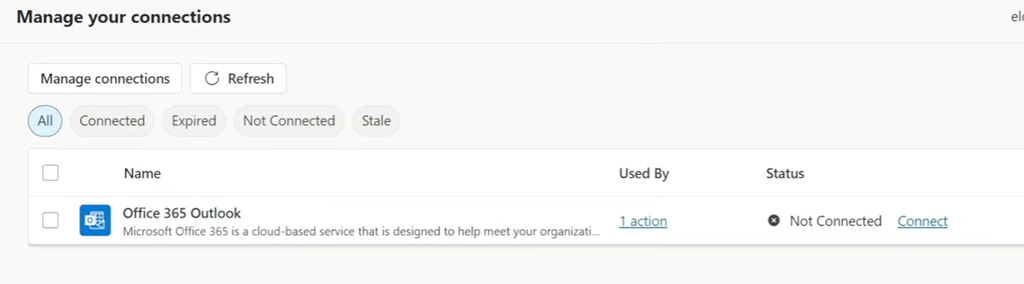
You will probably see that it isn’t connected as shown above. if so, click the Connect button to reconnect the service.
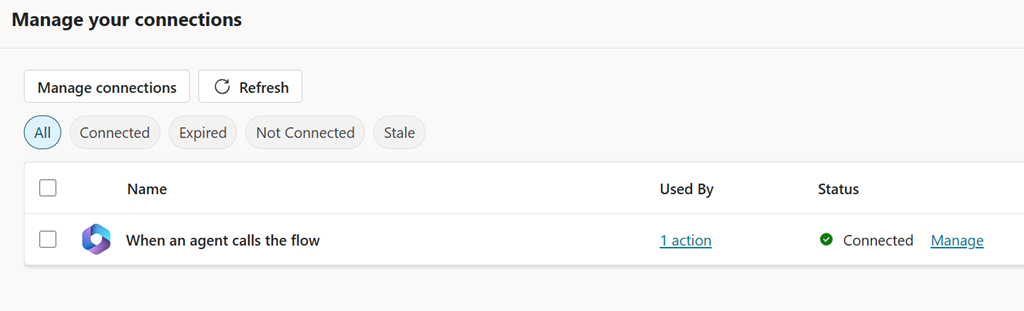
When it properly connected it should appear as shown above and now your Copilot Studio action should work and no longer be paused at Waiting for user going forward.
A huge shout out to Shervin Shaffie from Microsoft whose YouTube video provide the solution for me. The video is here:
https://youtu.be/4s7Qa_cYZyQ?si=4-TSkrr-T6_CNqdD&t=1320
at timestamp 22:00 where he walks through fixing the problem as I have outlined in this blog post.
Hopefully, Microsoft is now aware of this issue and will resolve it soon.
 CIAOPS