
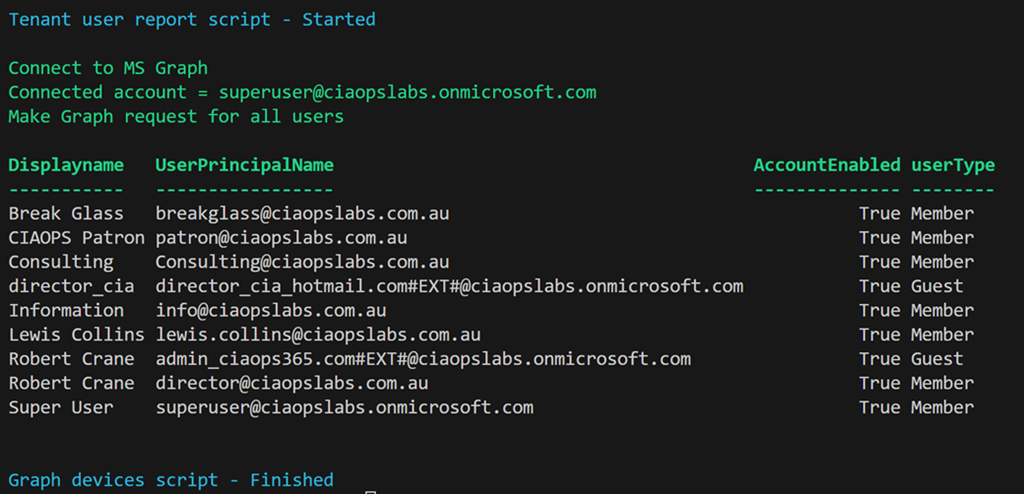
I have created a script that uses the Microsoft Graph to report users for the tenant as shown above. You’ll find it here:
https://github.com/directorcia/Office365/blob/master/graph-users-get.ps1
along with the documentation here:
https://github.com/directorcia/Office365/wiki/Report-Tenant-Users
You will need to have the Microsoft Graph PowerShell module installed and up to date.
The first time you run the script you maybe prompted to login to your tenant and then you may also be asked to provide permissions This script requires:
User.ReadBasic.All,
User.Read.All,
User.ReadWrite.All,
Directory.Read.All,
Directory.ReadWrite.All”
which you may need to consent to the first time.
After the script executes you should see an output as shown above showing the Display name, User Principal Name, whether the account is enabled and the user type.
You can also use the –csv command line option to put the results to a CSV file in the parent directory.
 CIAOPS